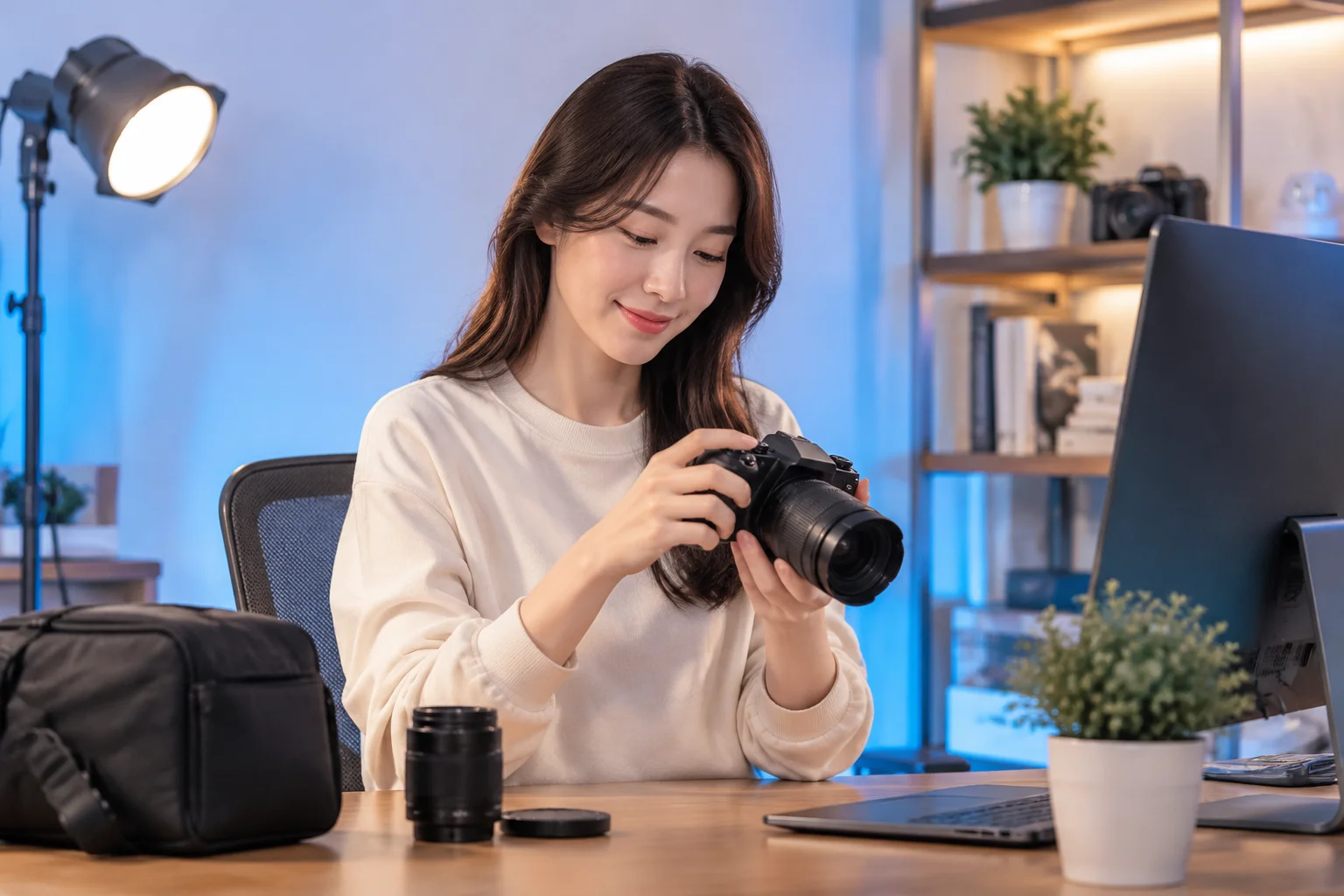
Live Streaming
A hands-on video-source configuration for a live stream, with attention to framing and a prepared scene.
Uncover versatile pipeline configurations for utilizing ordinary mobile gadgets and standard cameras as specialized video inputs across streaming, conferencing, and broadcasting application.
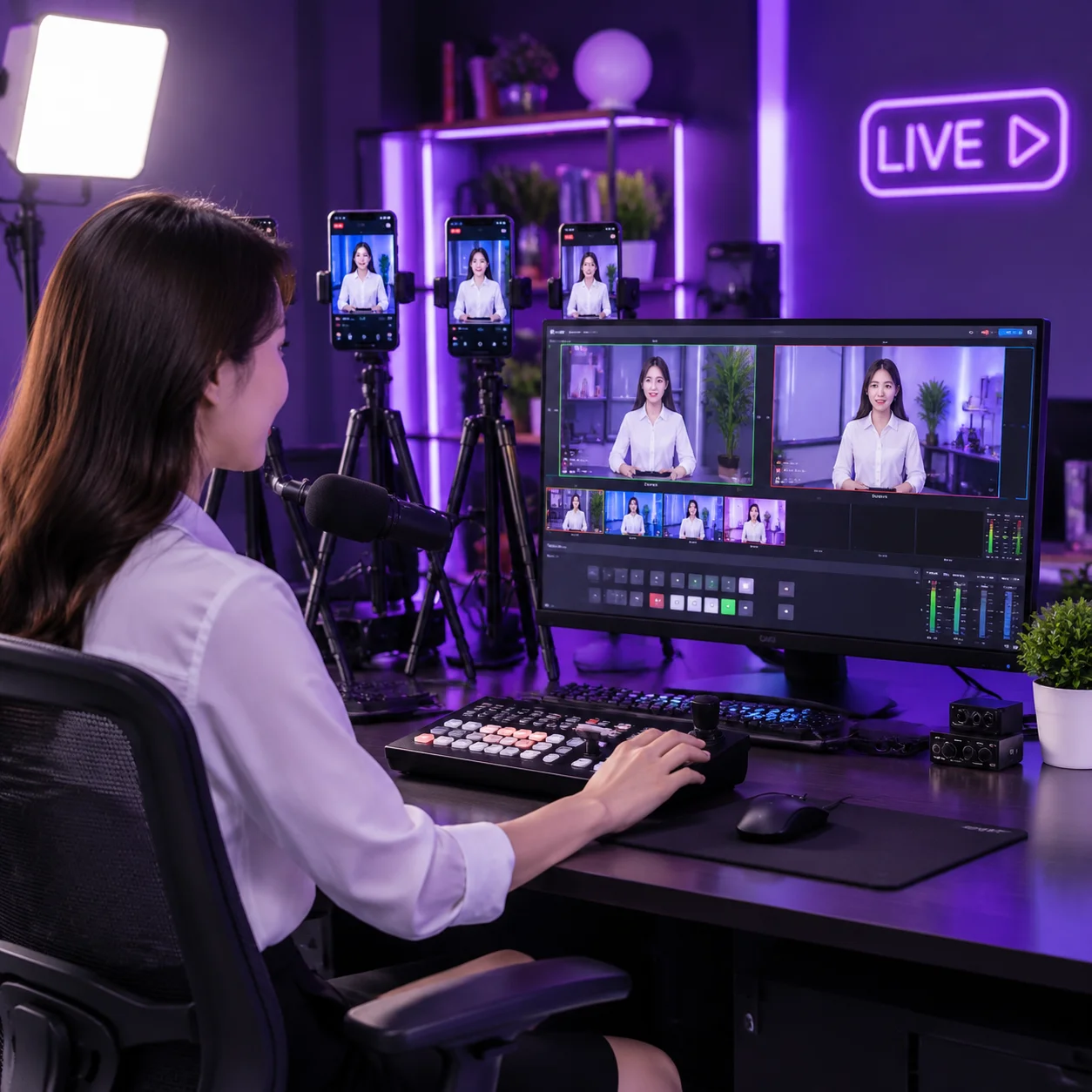
Vidora provides dependable video feed routing from standalone mobile gadgets and external cameras instantly into desktop workstation application. By treating high-resolution mobile sensors and mirrorless equipment as standardized virtual inputs, creative and technical professionals can design flexible staging environments without investing in proprietary capture hardware.
Harness high-density mobile phone camera sensors via wired USB tethering or low-latency local Wi-Fi, bypassing basic integrated webcams for balanced optical framing.
Repurpose tablet displays and lenses for top-down technical drawings, secondary presenter views, or specialized workspace monitoring alongside existing production configurations.
Seamlessly hand off continuous video signals to OBS Studio, Zoom, Microsoft Teams, vMix, and editing platforms recognized natively as standard system video gadgets.
Choose a deployment scenario below to uncover recommended hardware positioning, framing techniques, and application specs tailored to your intended recording or broadcast context.
A hands-on video-source configuration for a live stream, with attention to framing and a prepared scene.
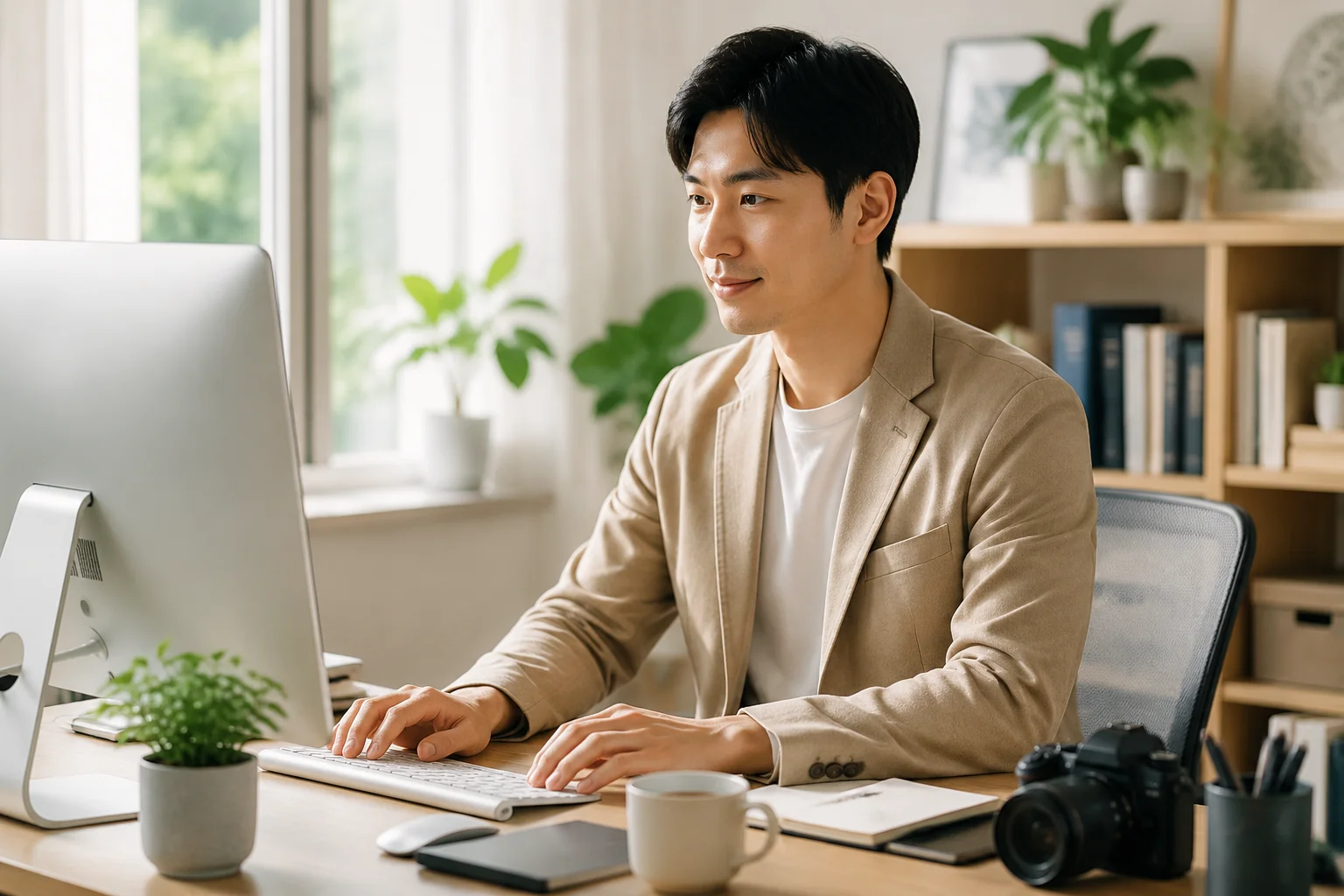
A straightforward camera configuration for cleaner, more intentional video calls.
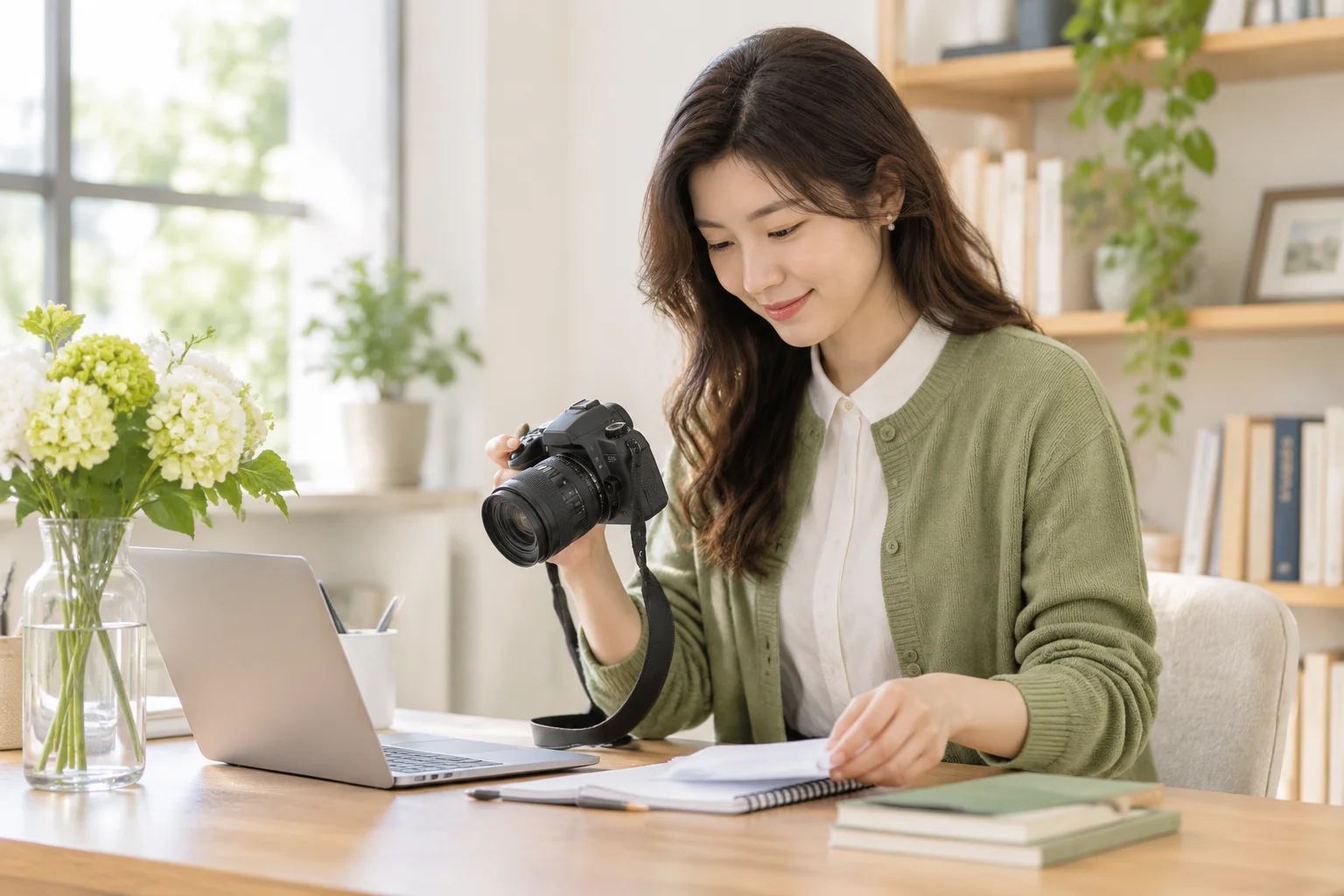
A video configuration for online lessons, showcases, and long-distance instruction sessions.
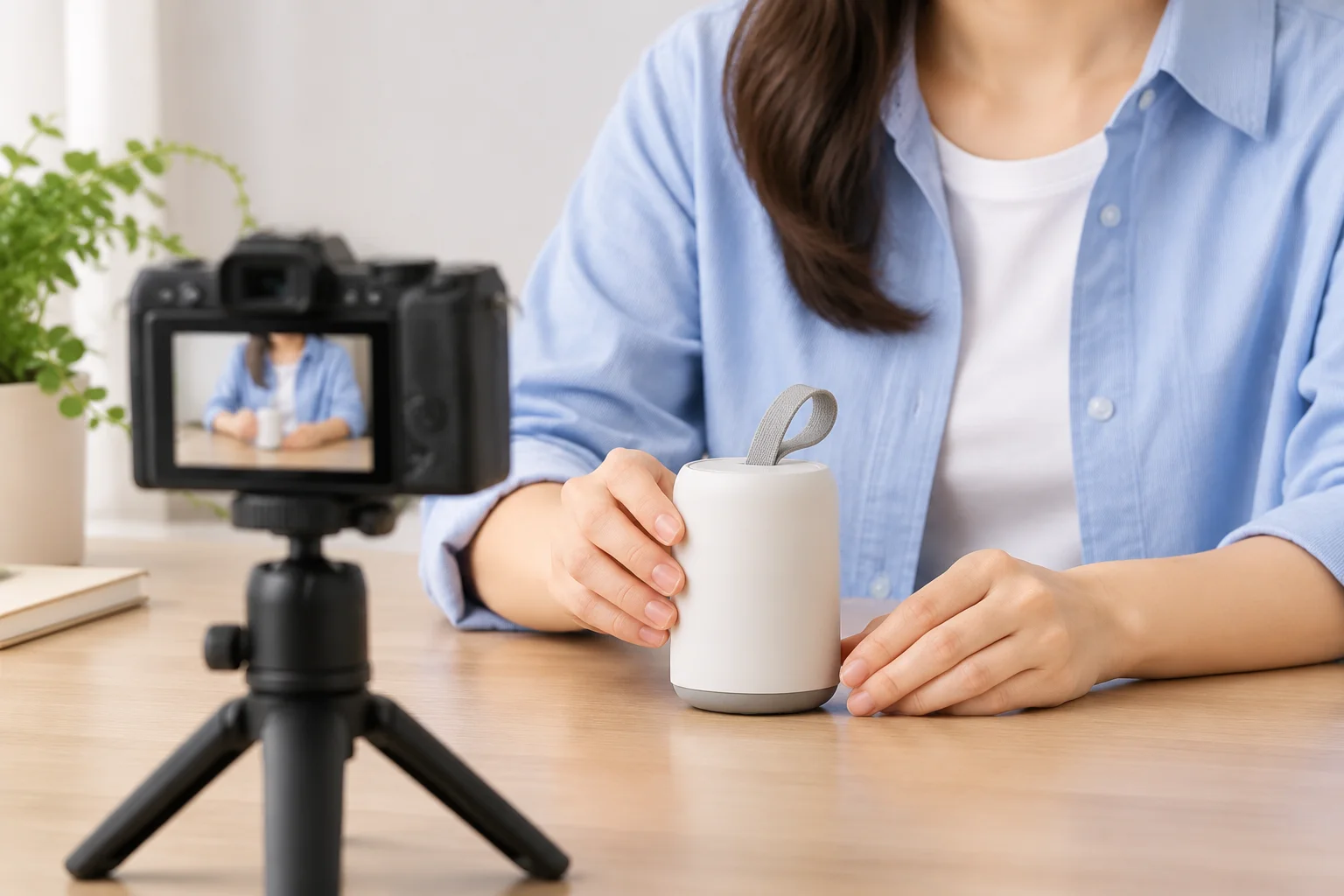
A camera arrangement for presenting products plainly in a long-distance showcase.
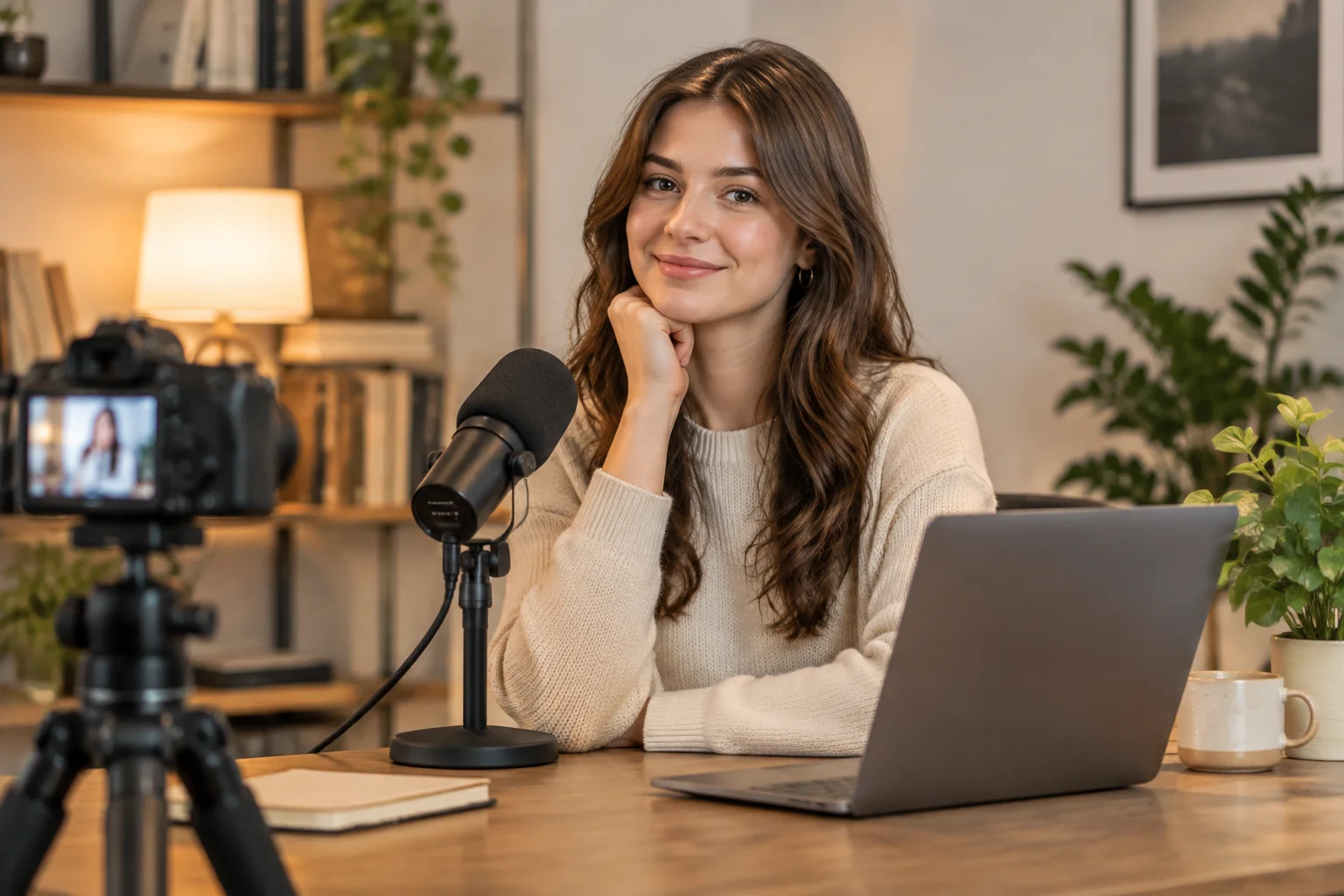
A video pipeline for recording a podcast with a prepared camera view.
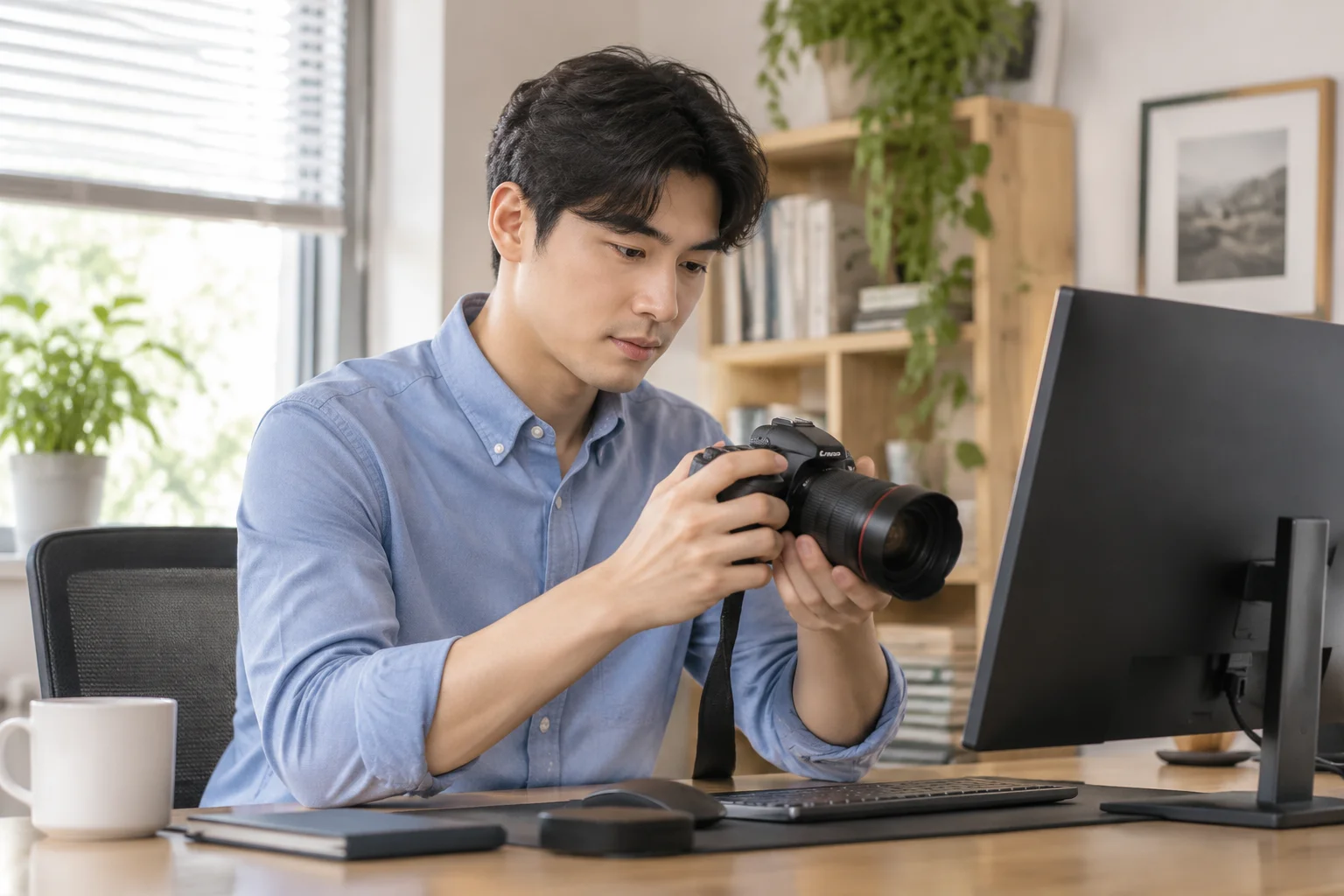
A straightforward camera configuration for long-distance interviews and recorded conversations.
Before placing hardware on mounts or fine-tuning routing protocols, pick the specific scenario that best reflects your session. Consulting the matching docs ensures you fine-tune camera resolutions, USB bandwidth controls, and background illumination according to hands-on baseline requirements.