Architecting a Multi-Angle Studio Layout
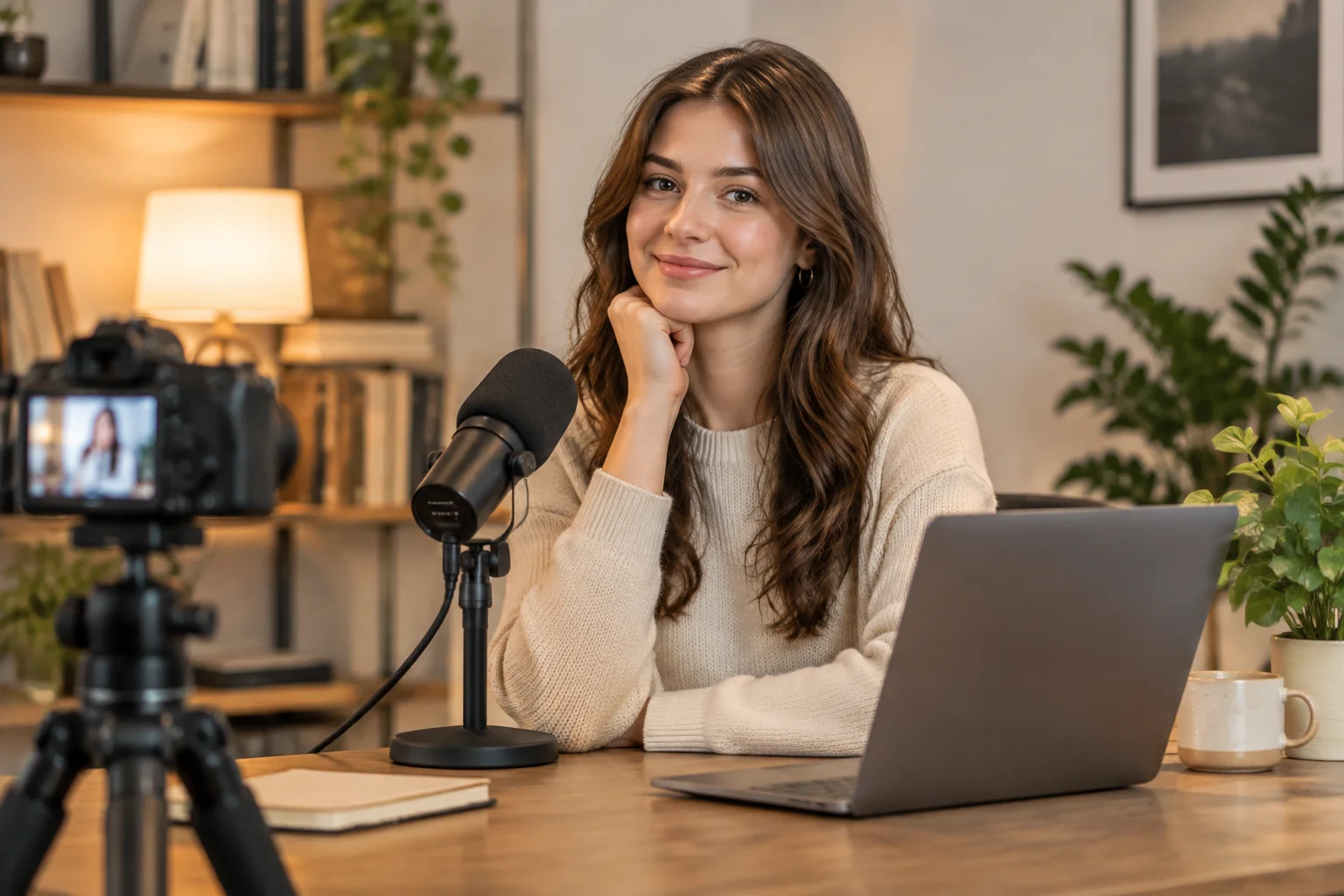
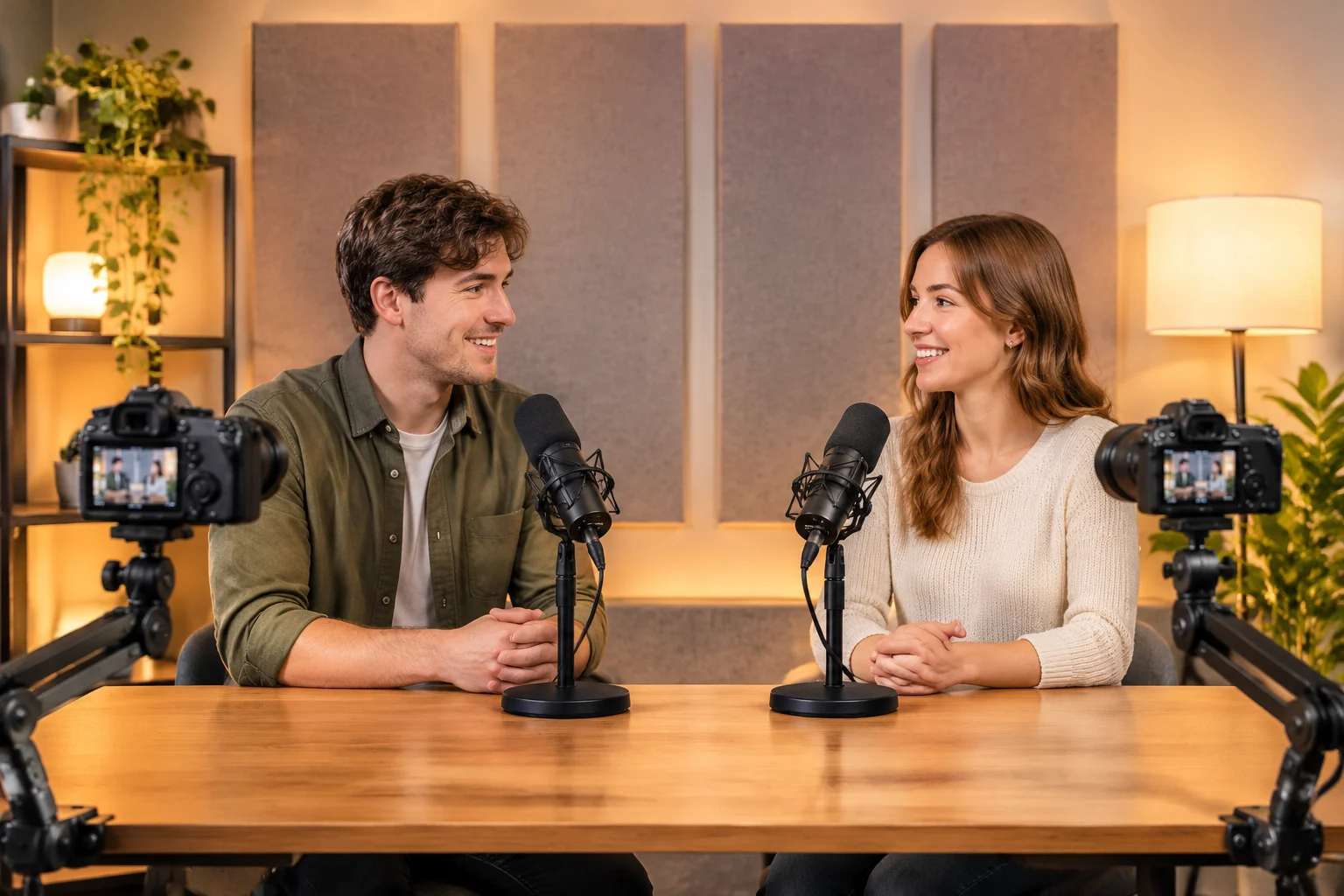
Generating an engaging video podcast relies heavily on visual momentum. Viewers rapidly lose interest when staring at a static wide shot for an entire hour. Vidora resolves this creative barrier by letting you deploy mobile handsets alongside desktop webcams, positioning one gadget tightly framed on the primary host, a secondary unit focused on the guest, and a central lens capturing the collaborative dialogue.
Mounting handsets on modest desk arms places lenses instantly at eye level, fostering immediate intimacy with your listeners. Because Vidora handles direct USB and local network tethering simultaneously, you bypass the expense of specialized HDMI capture cards. Each linked sensor provides sharp optics, fixed focus lock, and precise color temperature balance tailored to your recording room.
Synchronizing Studio-grade Microphones with Video
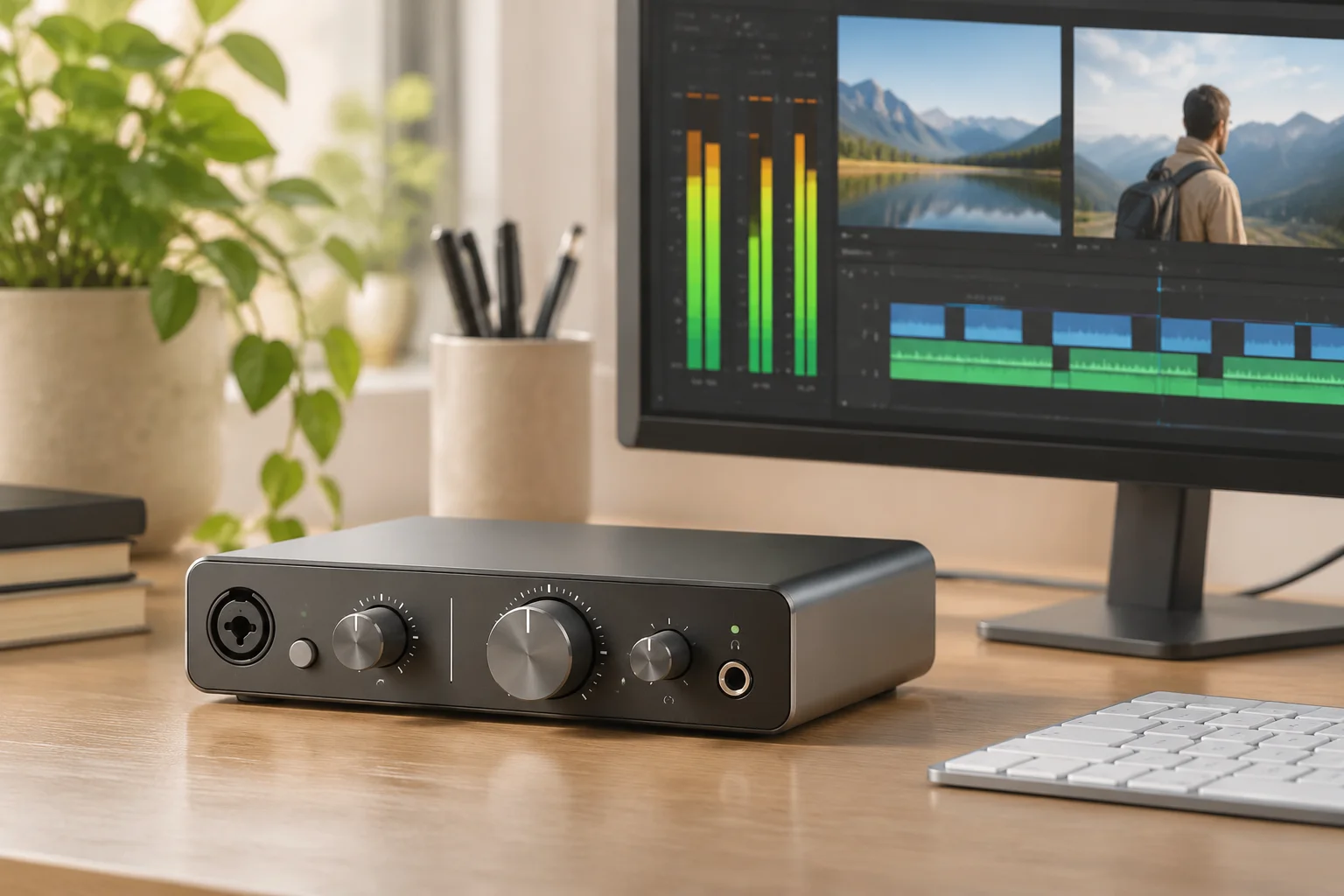
Sound fidelity remains the foundational cornerstone of every acclaimed podcast. When podcasters introduce video cameras into an established sound workstation, latency discrepancies frequently arise between analog XLR inputs and encoded digital video streams. Vidora blends an internal millisecond buffer engine, allowing sound engineers to calibrate exact compensation values across every discrete visual input.
Run your preferred USB sound interface or multi-channel podcast mixer instantly into the desktop workspace. In the gadget routing matrix, pair specific microphone channels with designated video sources or route an entire master dialogue mix to all recording tracks. This configuration ensures that lip movements match spoken consonants flawlessly from the opening introduction to the closing remarks.
Podcast Production Specs
- Feed Resolutions
- Up to 4K UHD @ 60 FPS per camera
- Supported Camera Hardware
- iOS, Android, tablets, USB webcams
- Sound Clock Alignment
- Sub-5ms manual delay compensation
- Recording Mode
- Isolated ISO tracks & master composite
Streamlining Post-Production and Shorts Creation
Post-production bottlenecks often discourage podcasters from releasing consistent video episodes. Capturing isolated camera tracks (ISO recording) inside Vidora means your non-linear video editor receives flawless files that share identical timecode start points. You avoid the painstaking chore of manually syncing claps or sound peaks across three disconnected SD cards.
Individual isolated angles make editing short-form vertical teasers for social channels straightforward. Crop the specialized guest feed into a portrait frame while maintaining the full-resolution horizontal source for your main broadcast release. Everything remains organized in plainly labeled session folders ready for immediate post-production workflows.