Converting Pocket Gadgets into Broadcast-Grade Cameras
Contemporary mobile phones capability picture sensors that consistently surpass typical consumer webcams in dynamic range and low-light fidelity. Vidora unlocks that sensor potential by piping RAW video feeds instantly into your desktop workspace. The application handles hardware acceleration locally on your GPU, avoiding sluggish cloud processing or heavy browser wrappers.
Creators link their gadget via USB cable or high-bandwidth local wireless networking. Vidora immediately detects the optic array, letting the streamer choose wide, ultra-wide, or telephoto lenses. Rather than struggling with grainy low-light shots or blown-out highlights, the broadcast receives a rich, film-like feed ready for scene composite staging.
Pinning Optical Controls and Removing Artifacts
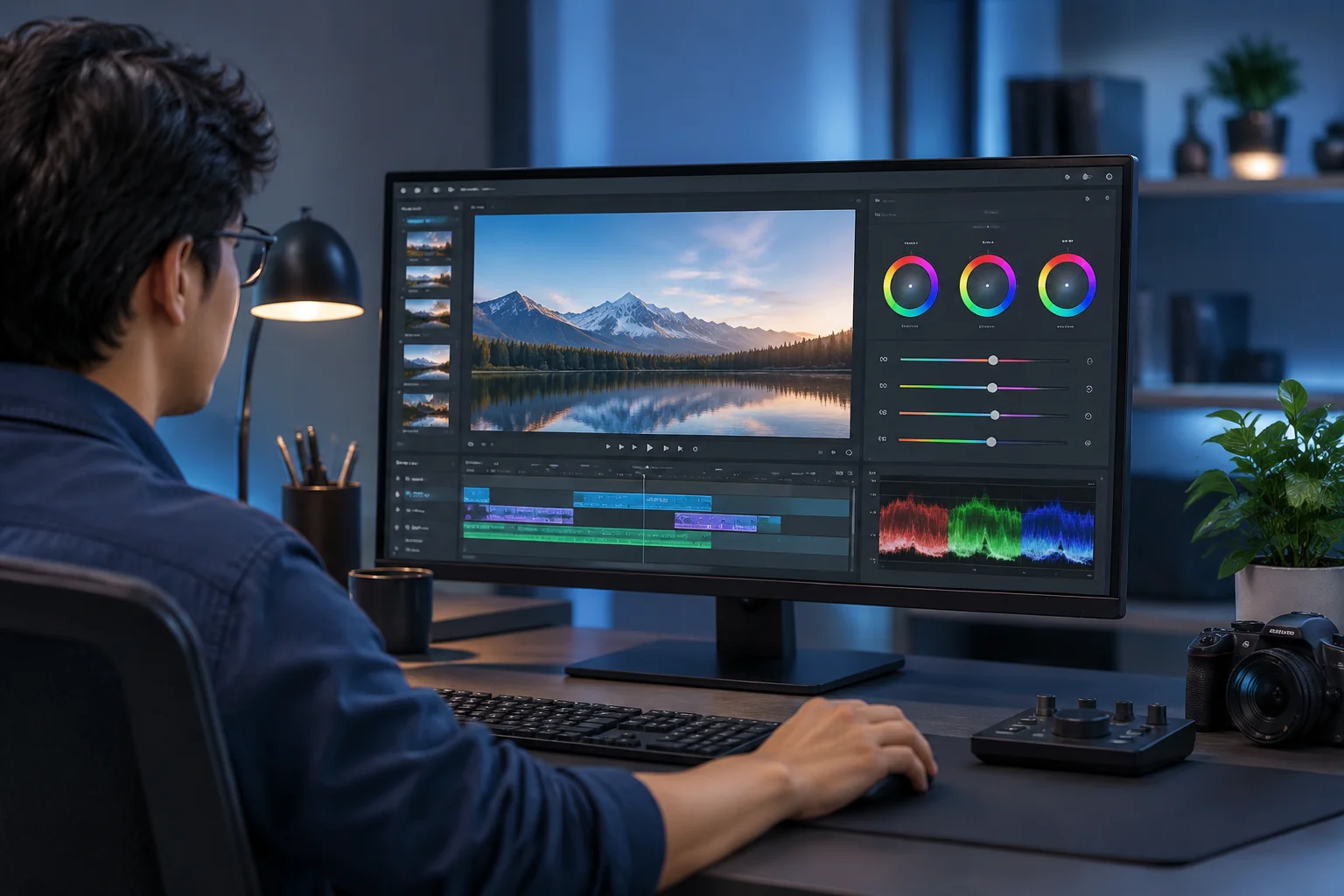
Default mobile camera apps constantly hunt for focus, shift color temperatures, and adjust shutter speeds whenever movement occurs in the frame. Vidora establishes fixed manual controls for white balance, focal depth, shutter angle, and sensor ISO instantly inside the desktop dashboard.
Streamers can adjust RGB curves, crop aspect ratios, and fine-tune contrast curves before passing the virtual gadget feed downstream. The application retains these color and lens profiles across computer restarts, so live broadcasts commence immediately without tedious pre-show reconfiguration.
Live Streaming Performance Benchmarks
- Glass-to-Glass Latency
- 18ms (Wired USB 3.0)
- Maximum Output Resolution
- 4K Ultra HD at 60 FPS
- Desktop CPU Overhead
- Under 3.2% (GPU accelerated)
- Virtual Driver Standards
- DirectShow, UVC & MediaFoundation
Effortless Multi-Angle Scene Composition
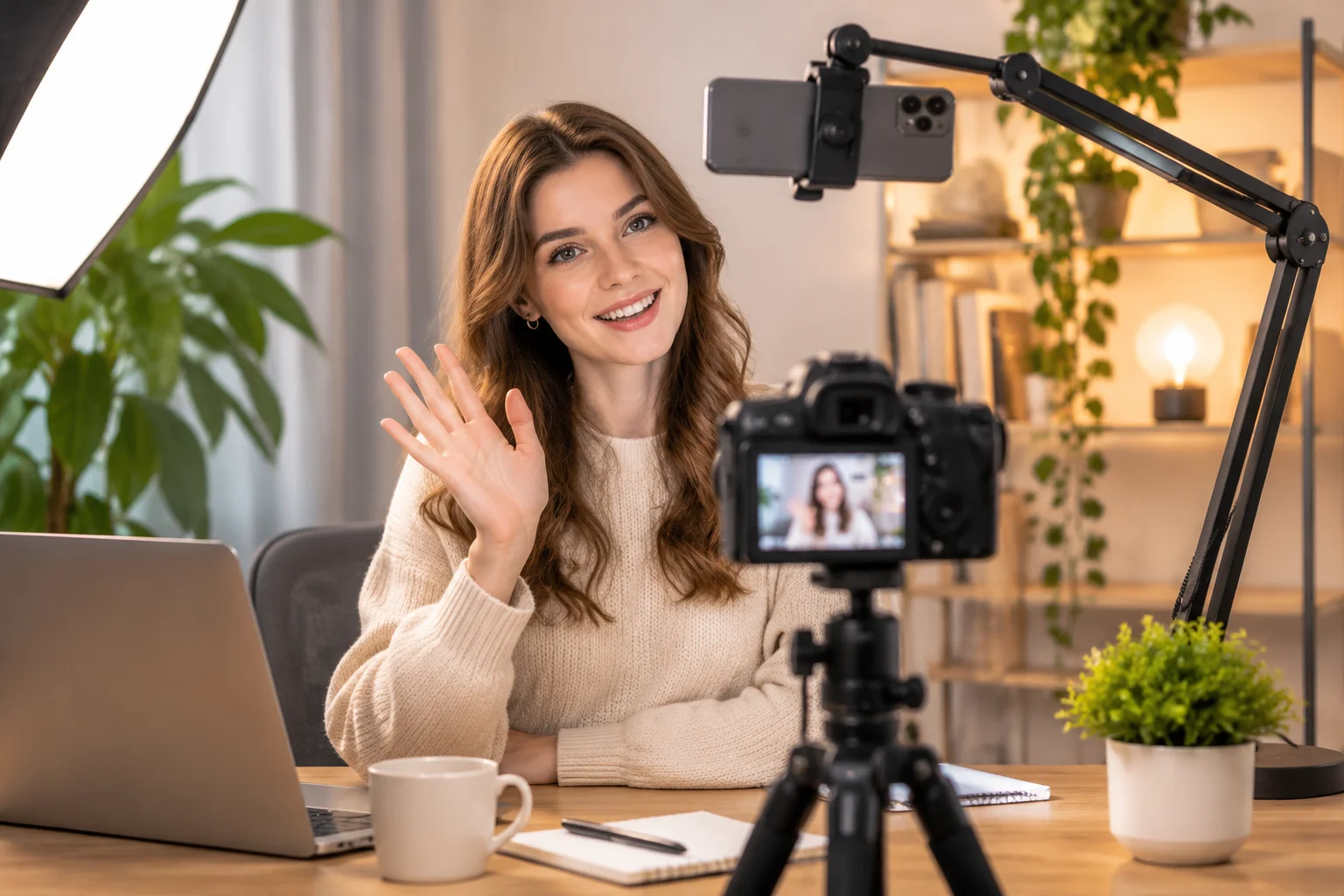
Engaging broadcasts often require more than a single angle: an engaging face camera, an overhead view of a mechanical keyboard or sketchpad, and a wider workspace perspective. Vidora combines several handsets and tablets into a consolidated live control desk without requiring multiple hardware capture cards.
Each camera outputs a distinct virtual gadget source or can be mixed into unified multi-view scenes. Broadcasters switch perspectives or orchestrate dynamic picture-in-picture composites seamlessly, providing a refined studio aesthetic using the hardware they already own.