Fine-tuning the Dual-Perspective Classroom
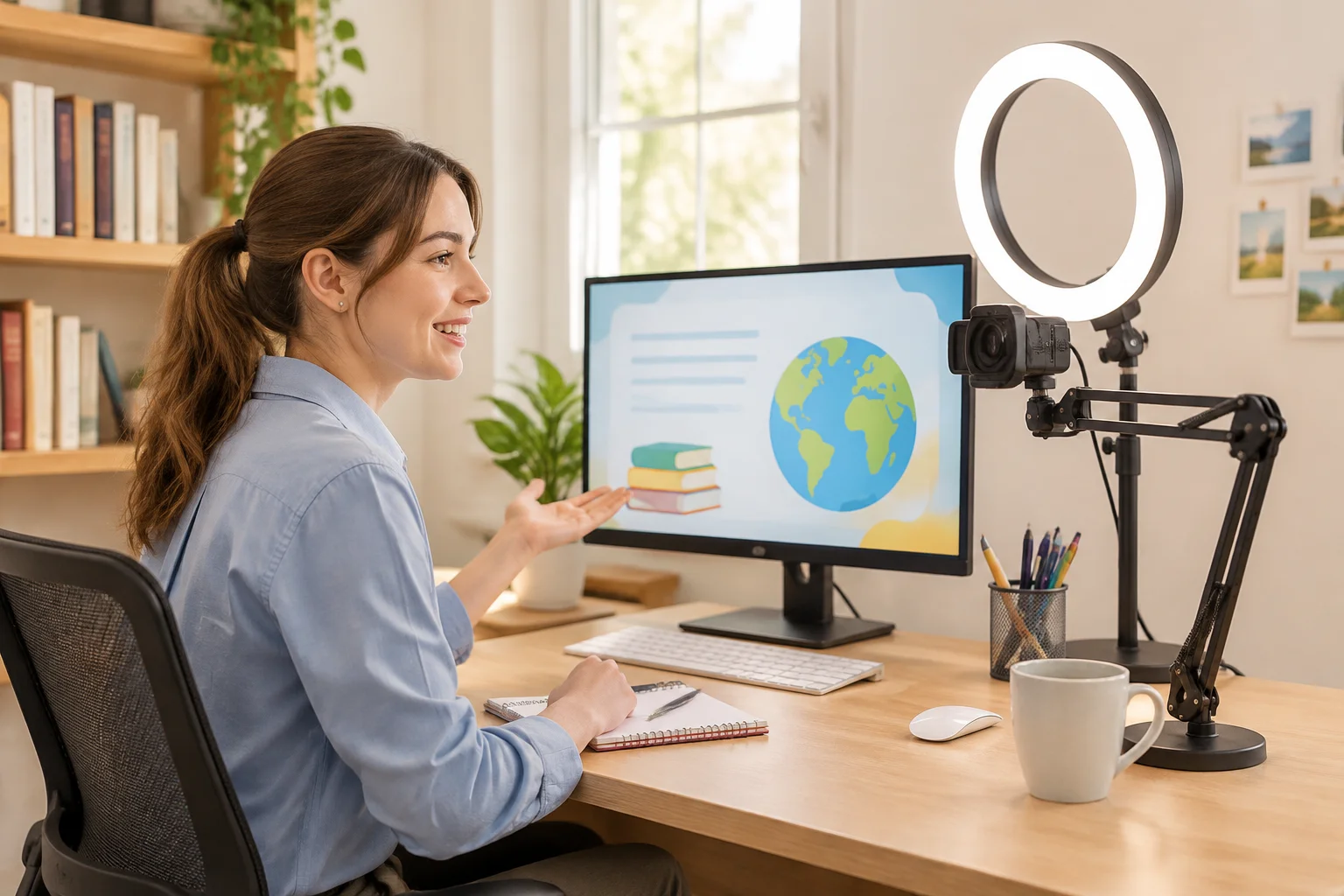
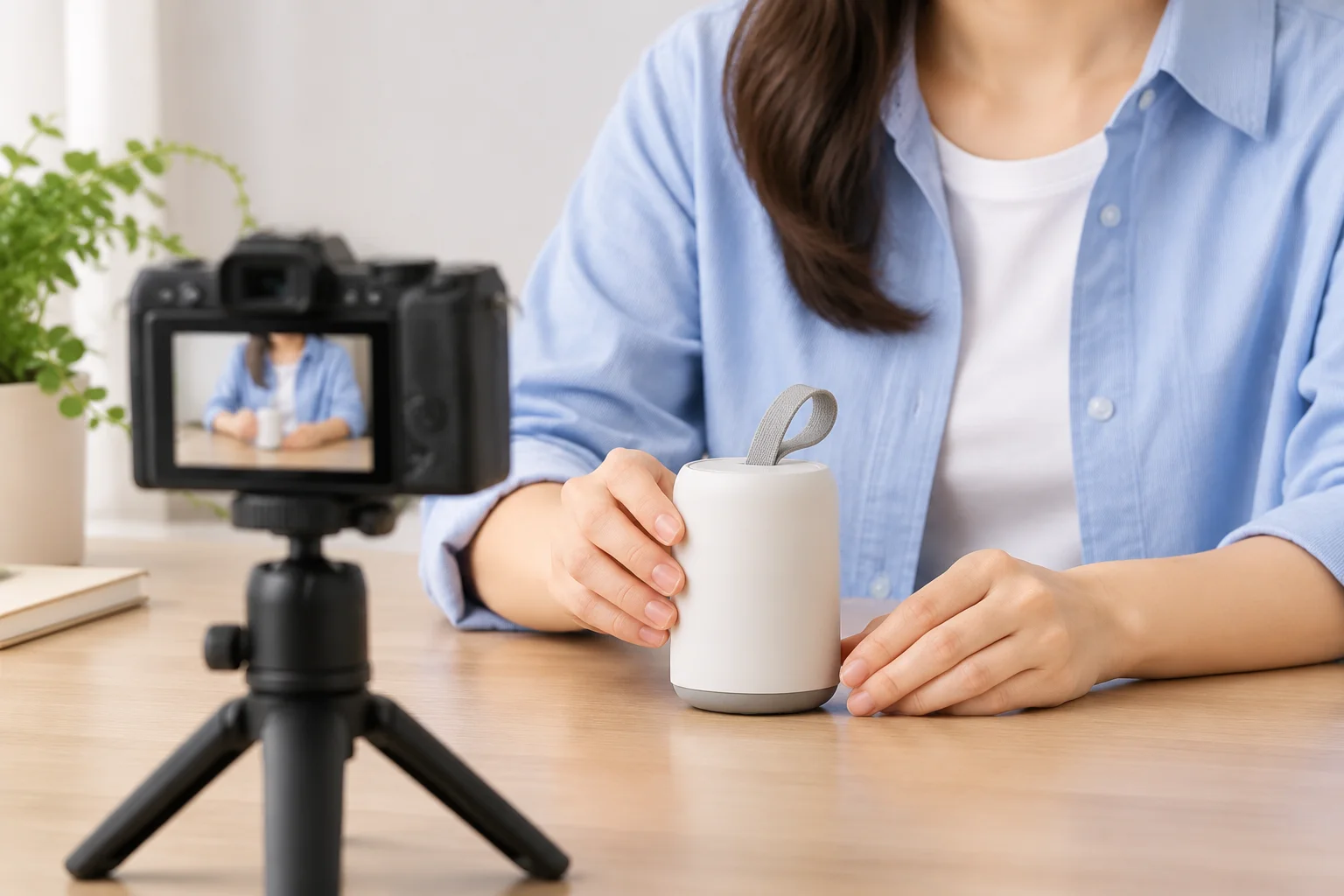
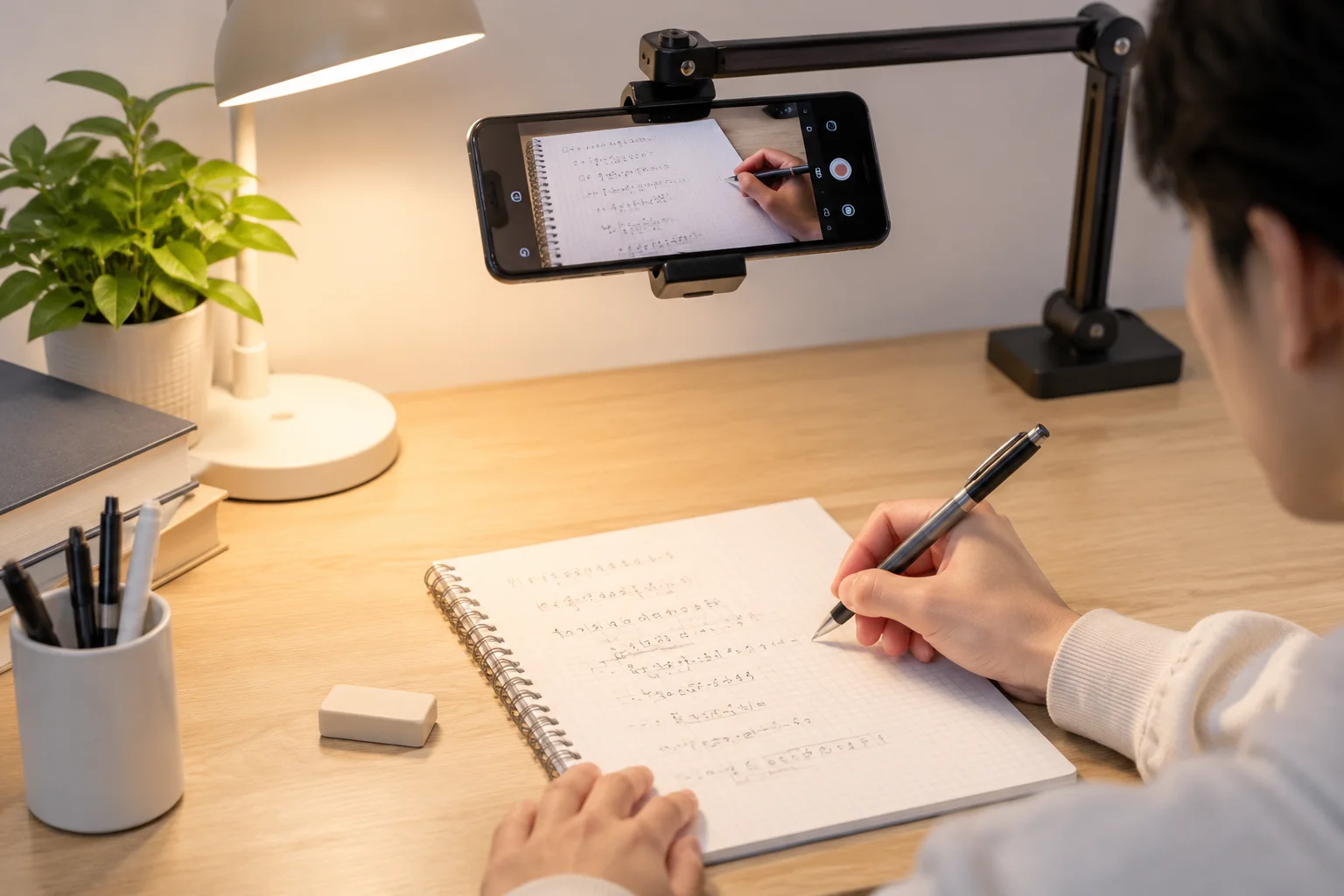
Single webcam configurations force educators to pick between showing their own expressions and pointing their camera down at written material. In an active virtual seminar, eye contact maintains class attention, while direct document visualization clarifies complex formulas. Mounting an ordinary handset onto an adjustable desk arm creates an immediate, high-definition overhead document camera without requiring bulky specialized classroom visualizers.
The desktop application combines both signals into a single unified virtual webcam. Teachers can feed picture-in-picture views straight into video conferencing tools like Zoom, Teams, or Google Meet, or toggle between them using quick keyboard shortcuts. This fluid switching mimics an in-person whiteboard lecture, letting students follow along without awkward camera readjustments during the lecture.
Hardware Selection and Calibration Standards
Quality instructional video requires careful handling of sensor autofocus and light contrast. When hands move across a notebook, standard webcams constantly hunt for focus, blurring the written ink and straining student attention. Vidora allows instructors to lock focal distance, fix exposure levels, and balance white temperatures across every linked lens before the lesson begins.
Tethering gadgets instantly through USB cables ensures zero thermal throttling and stable frame rates across three-hour tutoring sessions. The hardware specs below outline baseline targets for sustained instructional clarity without unnecessary equipment purchases.
Instructional Configuration Specifications
- Overhead Sensor Resolution
- 1080p or 4K back camera
- Link Protocol
- USB 3.0 Tethered / Low-Jitter Wi-Fi 6
- Focus Mode
- Manual lock at 35–45 cm desk height
- Video Input Latency
- < 35 ms real-time feedback
Optimizing Lighting and Workspace Ergonomics
Even the crispest camera lens struggles when uneven shadows cover a workbook or glare reflects off a glossy computer monitor. Positioning a broad, diffused desktop lamp at a forty-five-degree angle from the desk surface illuminates sketches without throwing the presenter's hand into harsh silhouettes. A soft frontal light keeps the instructor's eyes well-lit and effortlessly readable to participants.
Managing cord strain and desk vibration is equally critical for long instruction sessions. Securing the overhead arm to a secondary shelf or an independent desk clamp stops keystroke tremors from shaking the camera feed, ensuring notes remain sharp, legible, and comfortable to read throughout the class.