Overhead Framing Without Specialized Broadcast Gear
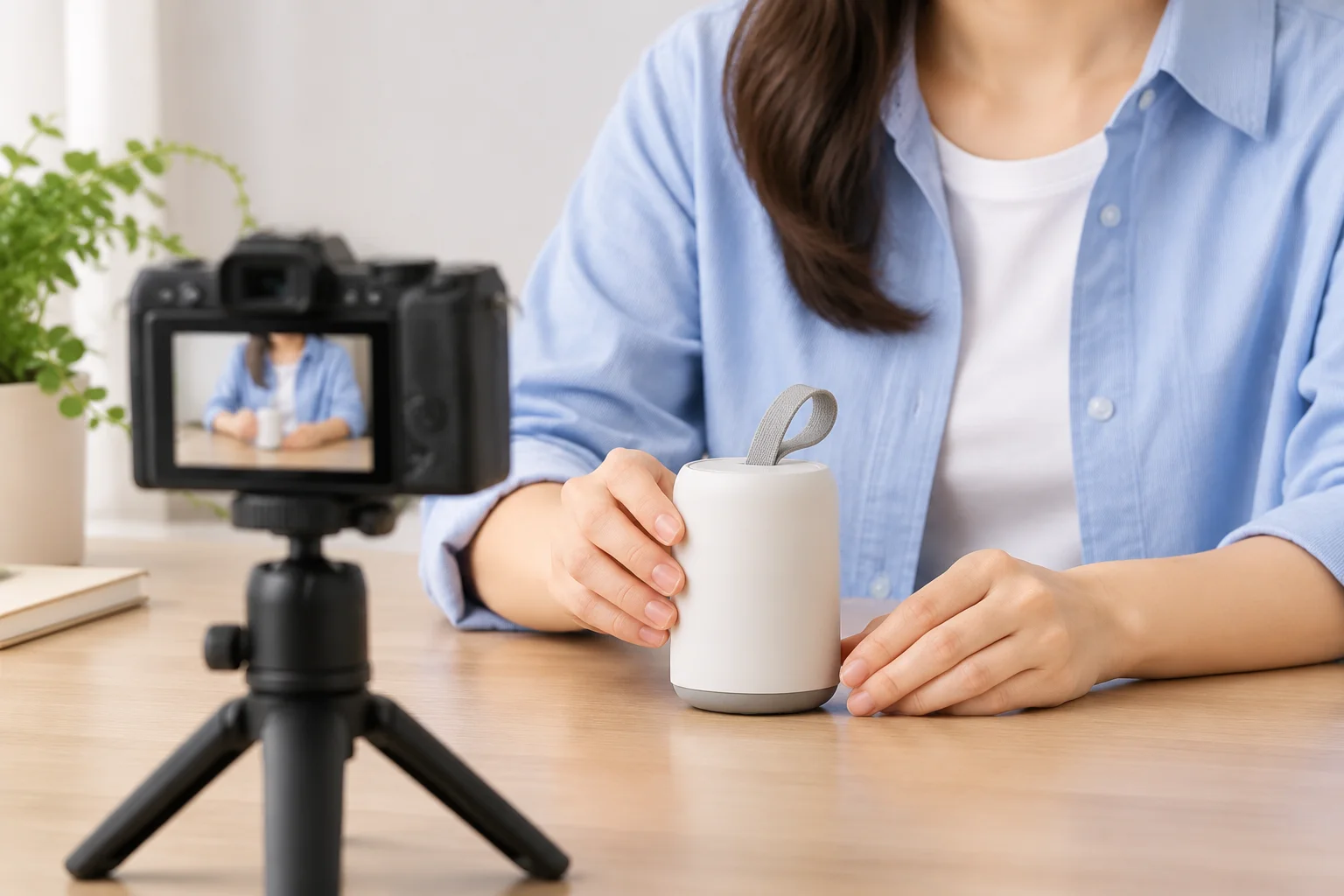
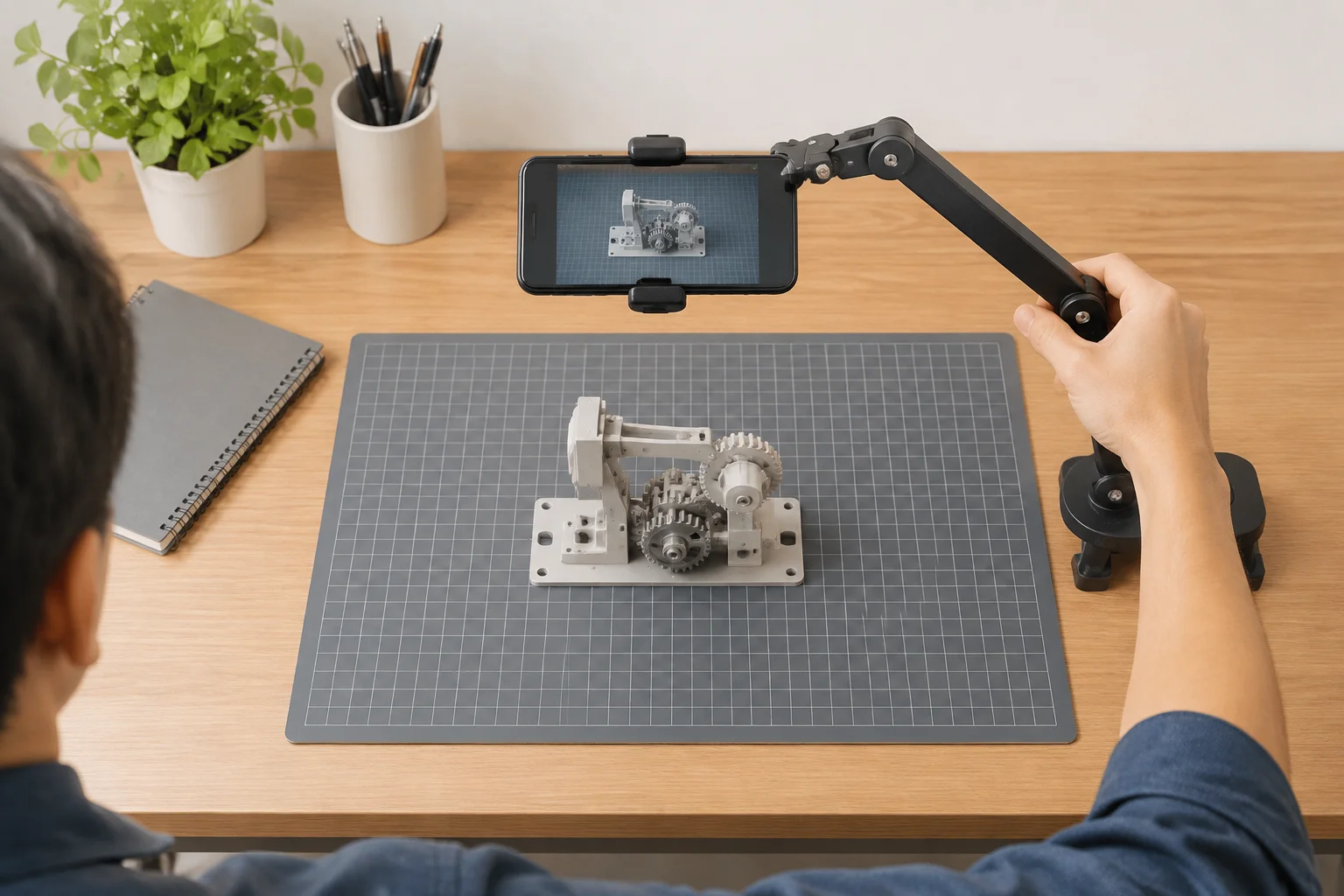
Presenting a manufactured component or delicate hand-held gadget over an ordinary notebook webcam regularly yields blurred footage, awkward hand angles, and interrupted conversations. Mounting a mobile phone or tablet instantly above the presentation surface creates an immediate top-down work area where items stay centered and evenly lit.
Vidora recognizes secondary handheld gadgets over a standard USB cable or high-bandwidth Wi-Fi link. Rather than wrestling with generic webcam drivers that crop or distort resolutions, the application ingests the full optical sensor output and feeds a tidy virtual camera instantly into your web conference application.
Pinning Focus and Color Balance for Physical Textures
Automated lenses constantly seek contrast. When fingers move over a circuit board or a glossy product chassis, standard webcams pulse back and forth, losing sharpness at critical moments. Vidora allows presenters to override automatic hunting and lock the focal plane instantly on the desk surface.
Color accuracy is equally critical when prospective buyers evaluate materials, anodized metal finishes, or printed packaging. Manual adjustments inside the desktop console let you fix the color temperature under desk lighting, keeping subtle material distinctions authentic throughout the conference.
Showcase Rig Specifications
- Recommended Link
- Direct USB 3.0 tether
- Secondary Framing
- 45° articulating desk arm
- Color Temperature
- Manual white balance lock
- Sound Routing
- Isolated desktop condenser
Guiding Customer Attention Between Hands and Voice
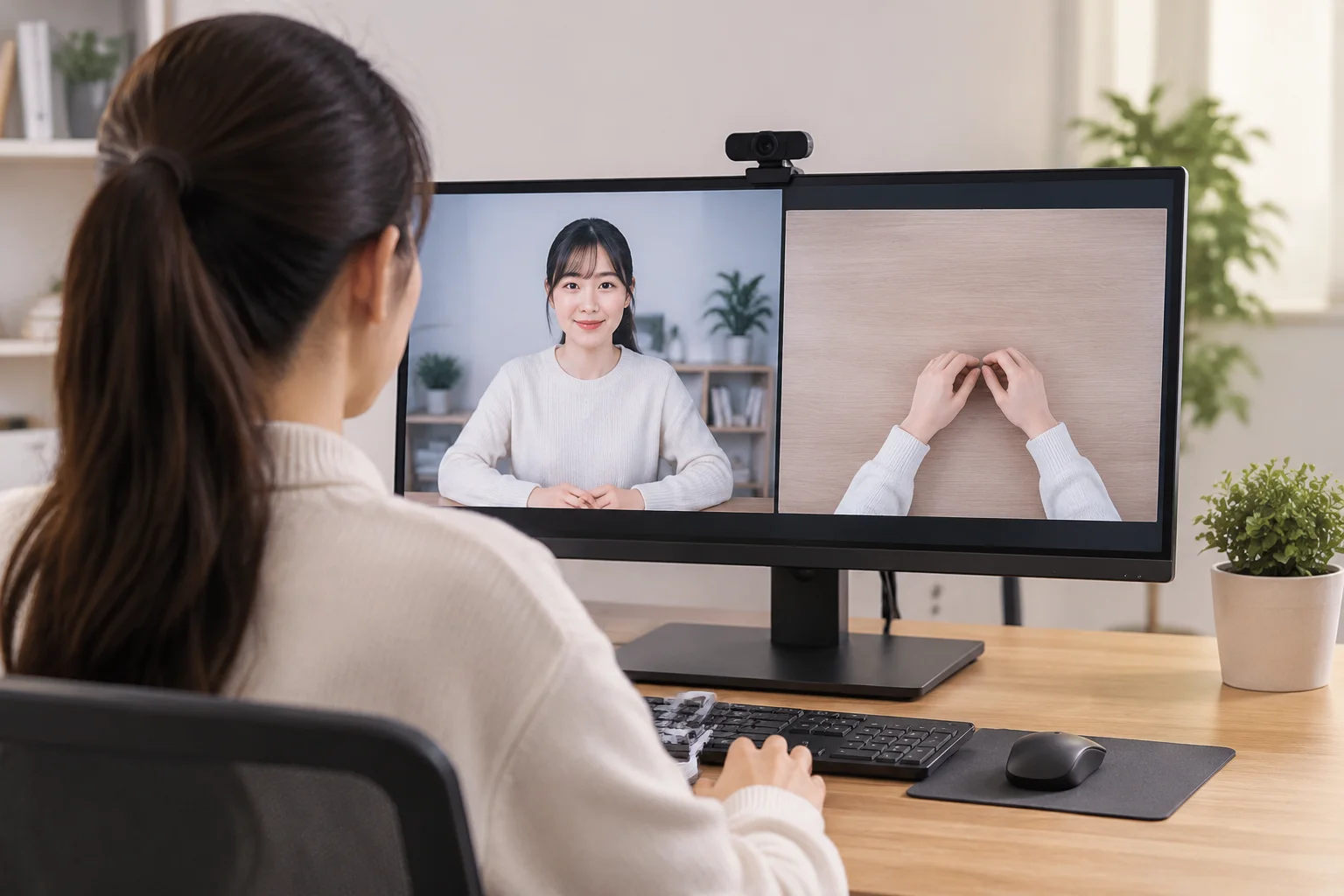
The strongest sales showcases pair personal rapport with immediate visual proof. Forcing participants to pick between watching your facial expressions and squinting at a tiny thumbnail destroys engagement. Vidora lets hosts orchestrate multi-angle scenes that showcase both simultaneously or switch with straightforward hotkeys.
Because the application renders the scene locally before outputting the stream, transitions remain immediate and fluid. Prospective buyers observe moving components, tactile buttons, and connector cables without lag, allowing technical sales engineers and founders to conduct interactive walk-throughs with studio-level confidence.