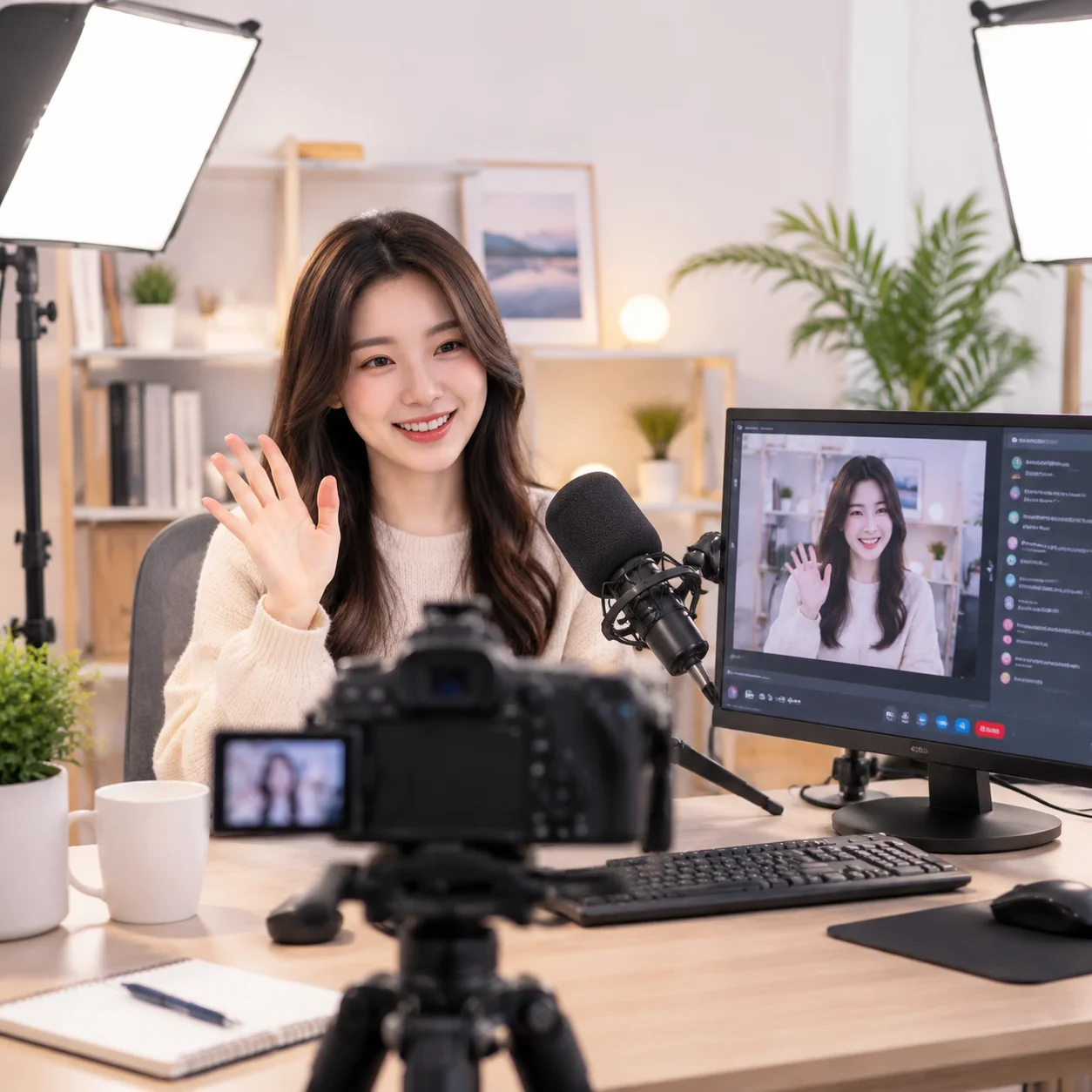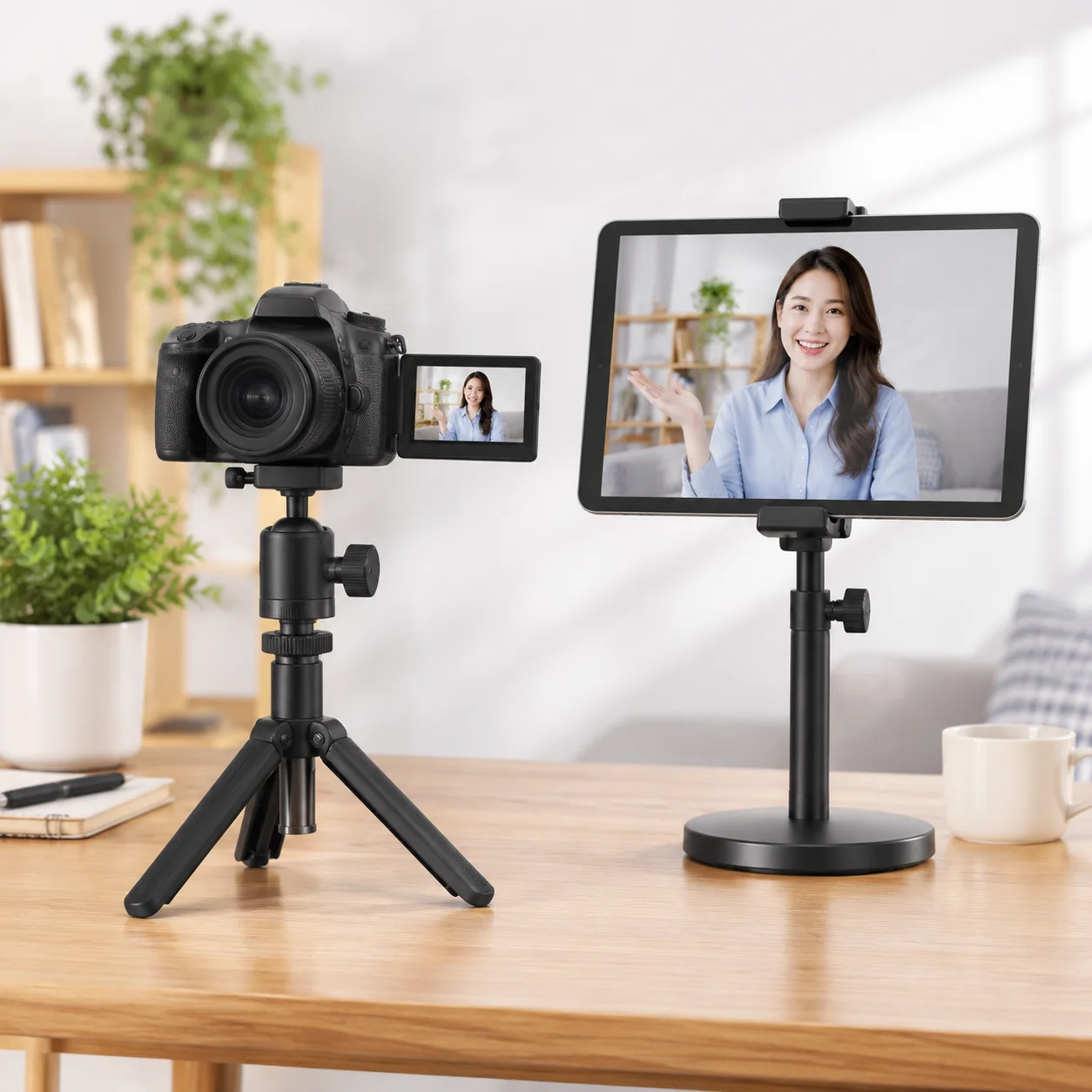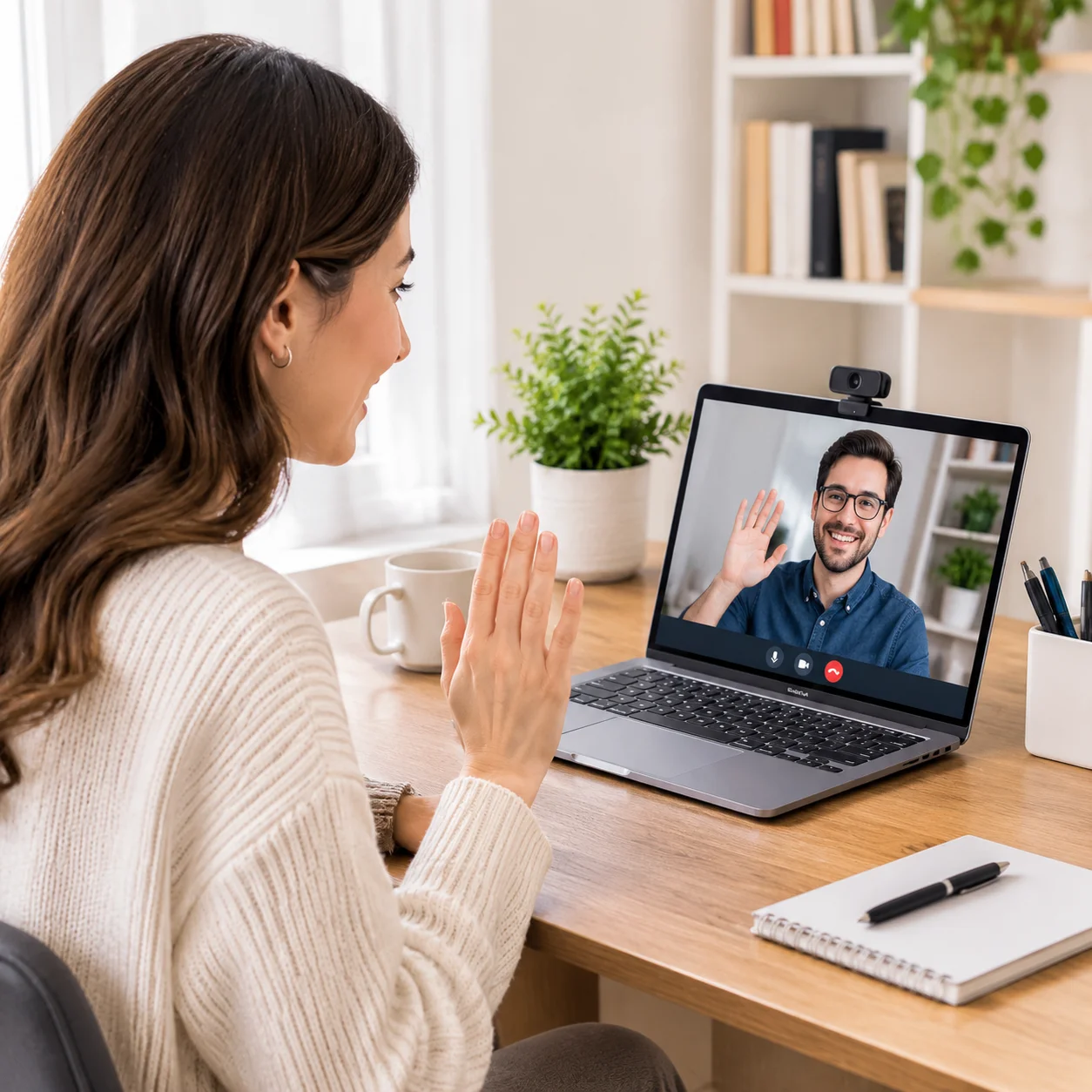
A Crisper Camera Is Already in Your Pocket
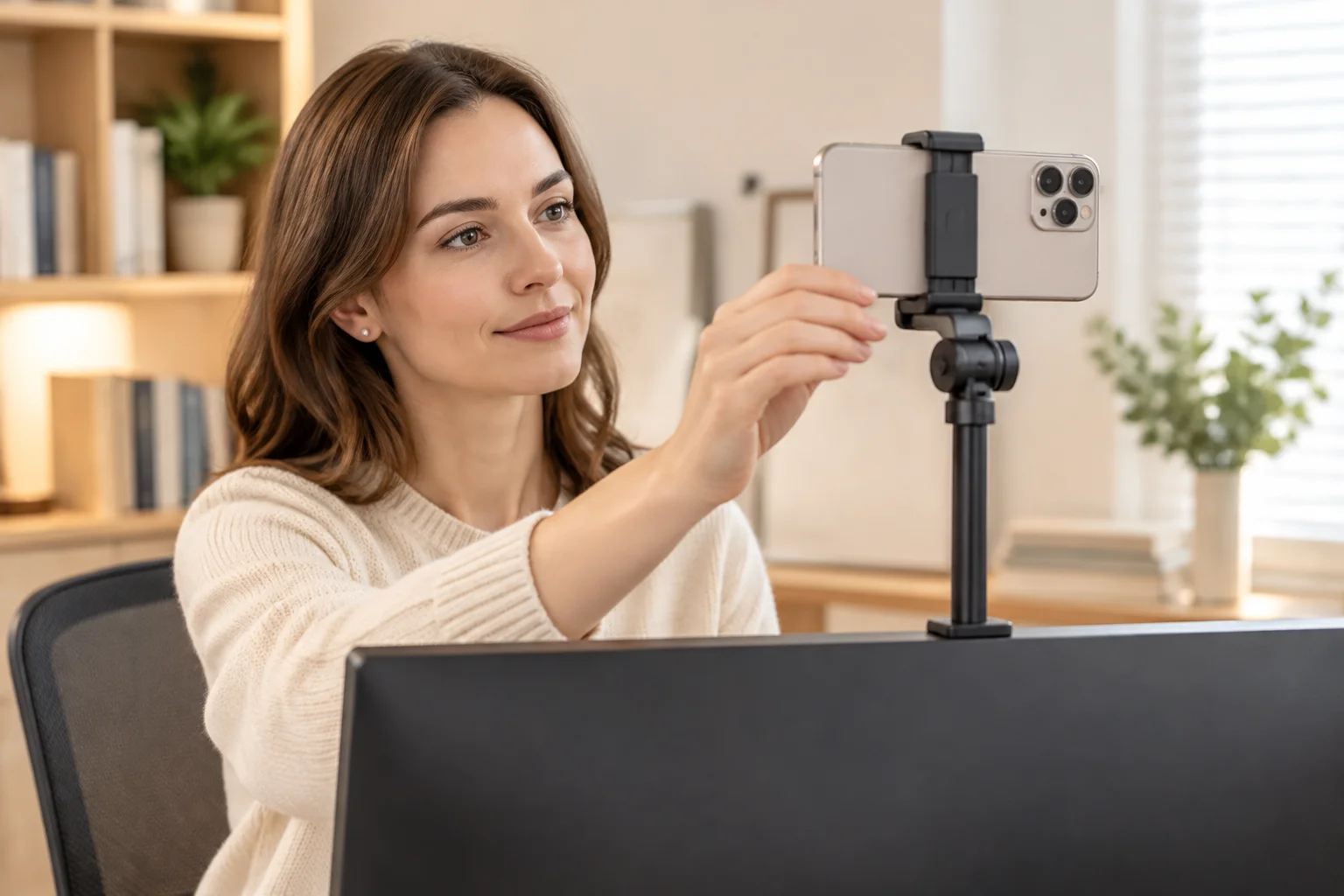
Most notebooks ship with low-grade webcams that falter in anything but perfect daylight. A contemporary handset camera, in comparison, packs a bigger sensor, superior optics, and smarter signal processing. Vidora pipes that hardware to your desktop, registering it as a native camera source your call application can use immediately.
Link over USB for a stable wired link or pair over your local network for a cable-free desk. The desktop console detects the gadget, lets you pick the preferred lens, and starts feeding a tidy 1080p signal into the virtual camera driver without extra capture hardware.
Predictable Picture Quality on Every Call
Integrated webcams constantly re-adjust brightness and focus as you move, which makes the picture pulse during conferences. Vidora gives you manual control over exposure, focal distance, and color temperature from the desktop panel, so the frame you set is the frame your colleagues see.
Profiles persist between sessions, meaning a prepared configuration is ready the moment your next call starts. Combined with hardware-accelerated encoding, the virtual feed stays fluid even while screen sharing or running alongside other heavy applications.
Video Call Performance Metrics
- Glass-to-Glass Latency
- 22ms (Wired USB 3.0)
- Maximum Call Resolution
- 1080p Full HD at 60 FPS
- Supported Call Apps
- Zoom, Meet, Teams & Webex
- Link Modes
- USB Wired & Local Wi-Fi
Consistent Framing Across Every Conference Platform
Conference tools, client calls, and team check-ins each apply their own compression and window scaling. A specialized camera feed keeps exposure steady across all of them. You link the camera once and choose the same virtual source inside your call application.
Teammates see sharp facial detail and natural depth rather than noisy webcam grain. Presenters can switch between a face view and a desk configuration without reconfiguring sound or call options mid-session.