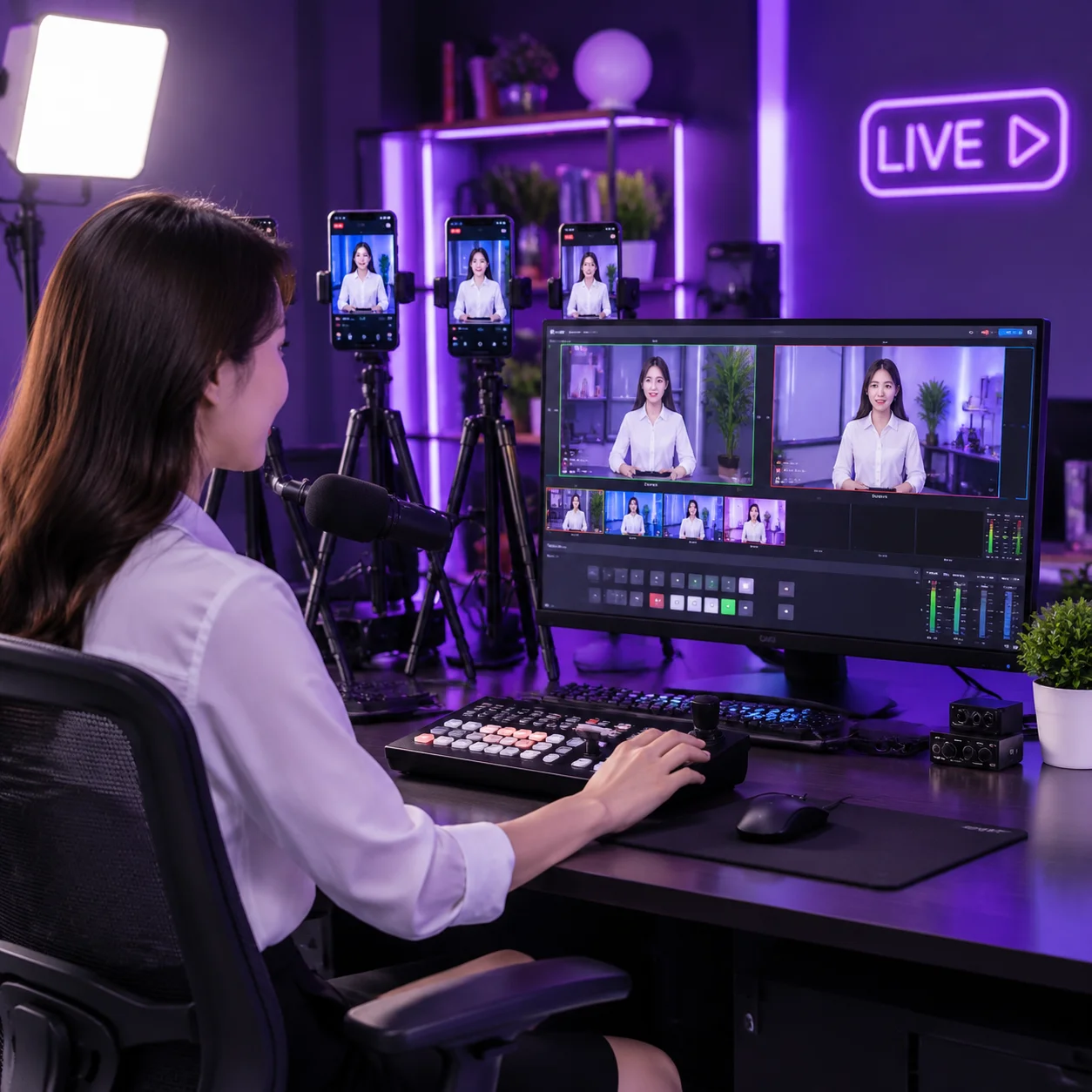
Guides for getting started
Turn any linked mobile gadget or secondary camera into an ultra-sharp broadcast camera. Follow this streamlined pipeline to fine-tune high-definition capture on your desktop workstation.
Establish Link
Link your mobile camera or tablet to your PC using a high-bandwidth USB link or check that both gadgets operate on the same 5 GHz network.
Initialize Studio Driver
Launch Vidora on your computer to activate the virtual camera bridge, allowing your system to register external sensors as native video inputs.
Adjust Camera Optics
Lock manual exposure, fix color temperature to match your ambient lighting, and set optical focus distance to remove distracting focus hunting.
Route to Applications
Pick Vidora Virtual Studio within OBS Studio, Zoom, Microsoft Teams, or Google Meet as your primary video and synchronized sound feed.
View the guides
Thorough walkthroughs and configuration checklists curated to help you achieve broadcast-grade visual clarity and flawless sound.
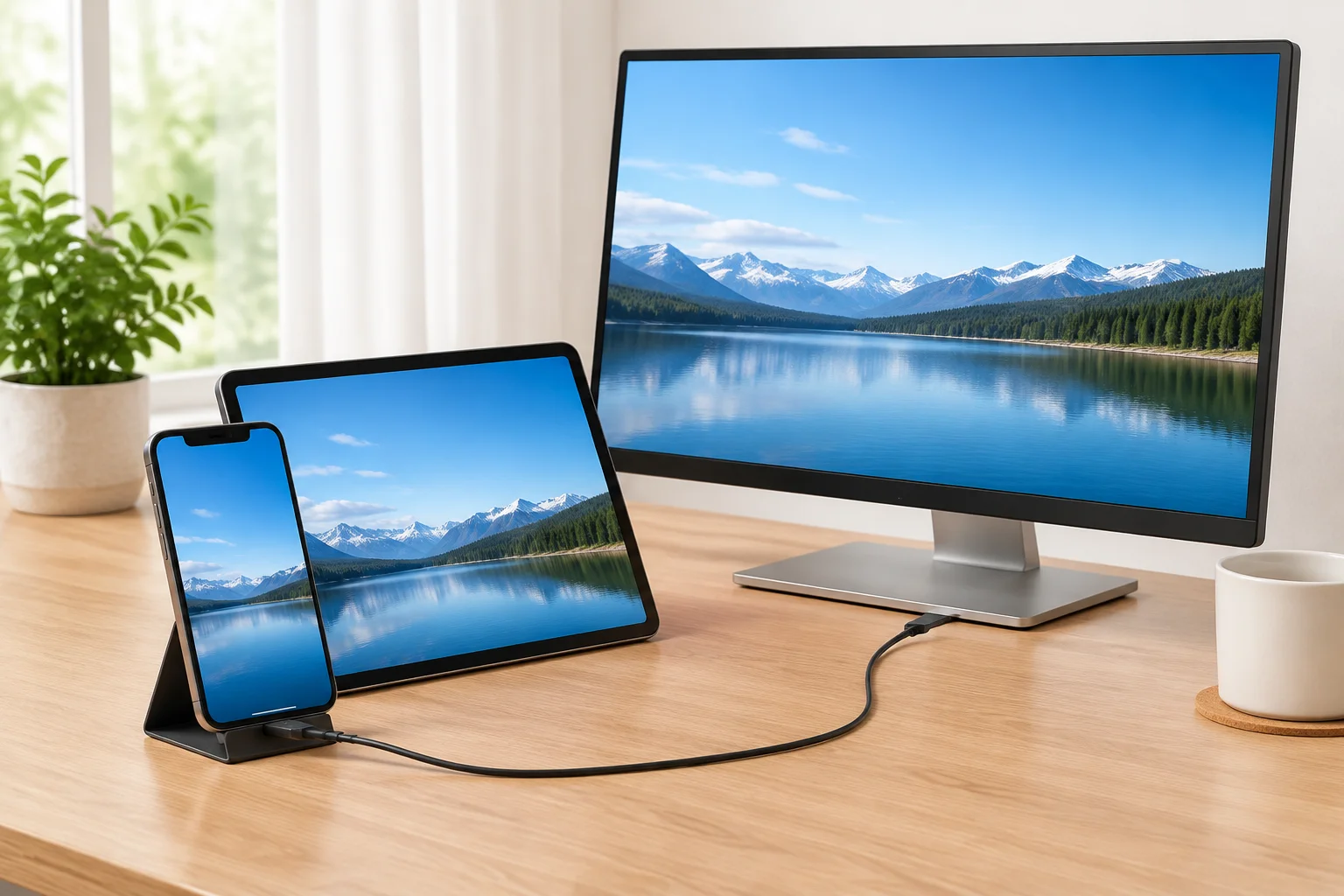
Link a Gadget to Your PC
A general checklist for linking a handset, tablet, or camera to a PC and preparing it as a video source.
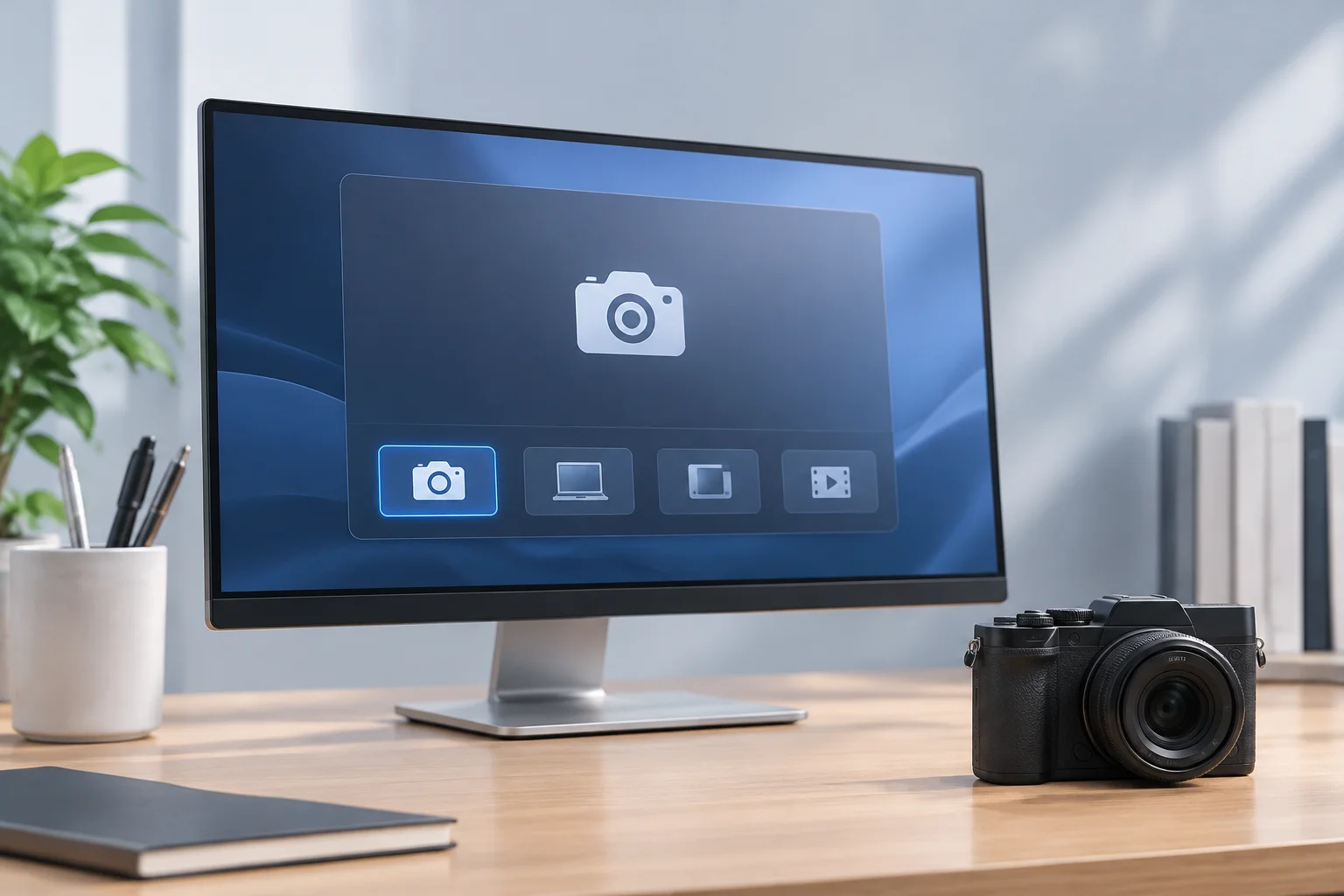
Pick a Camera Source
How to choose the intended camera source in a desktop video application.

Set Up a Tidy Video Scene
Straightforward steps for composing a tidy video scene with a clean subject and uncluttered background.
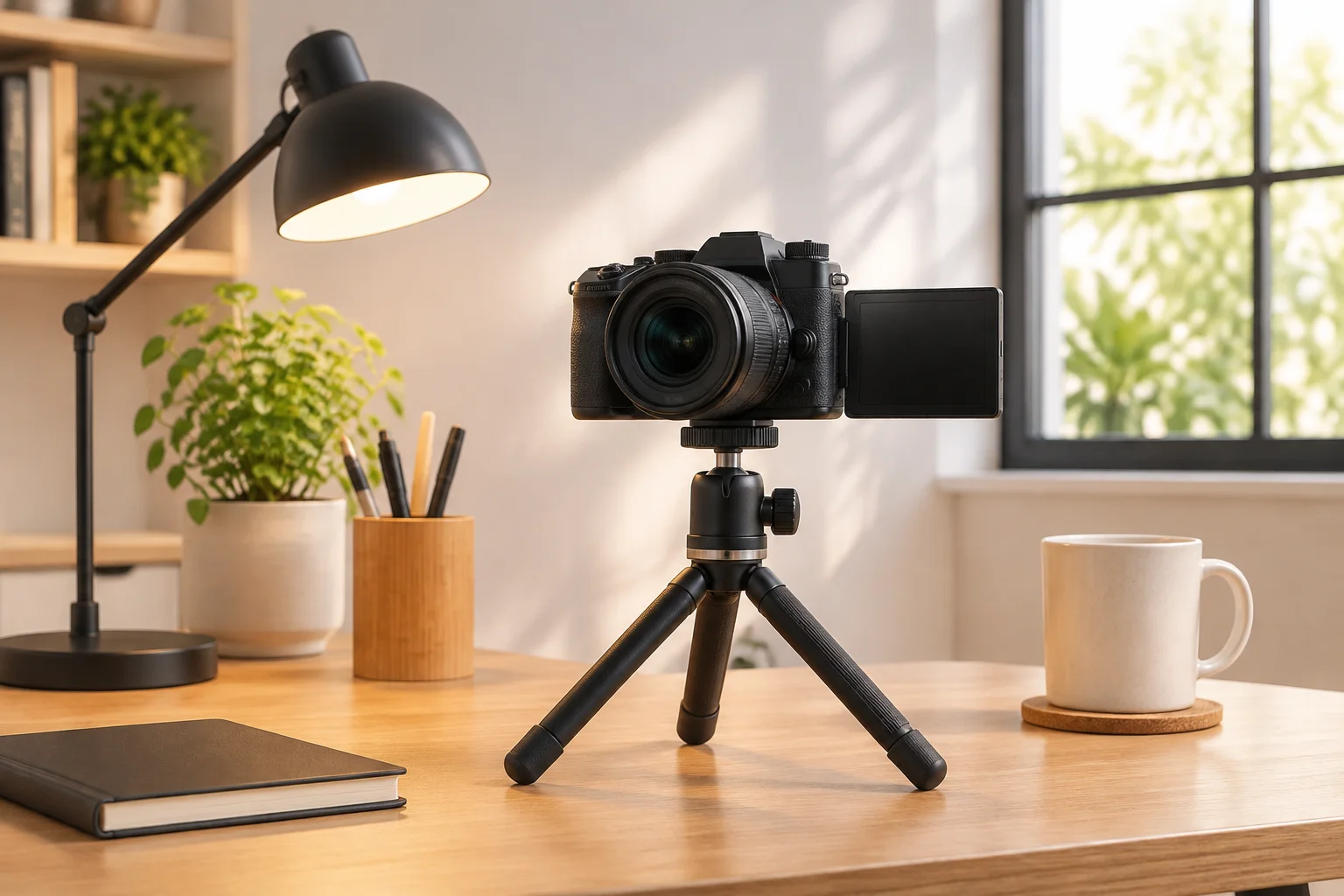
Enhance Lighting for Video
Hands-on lighting ideas for enhancing the appearance of a home or office video configuration.
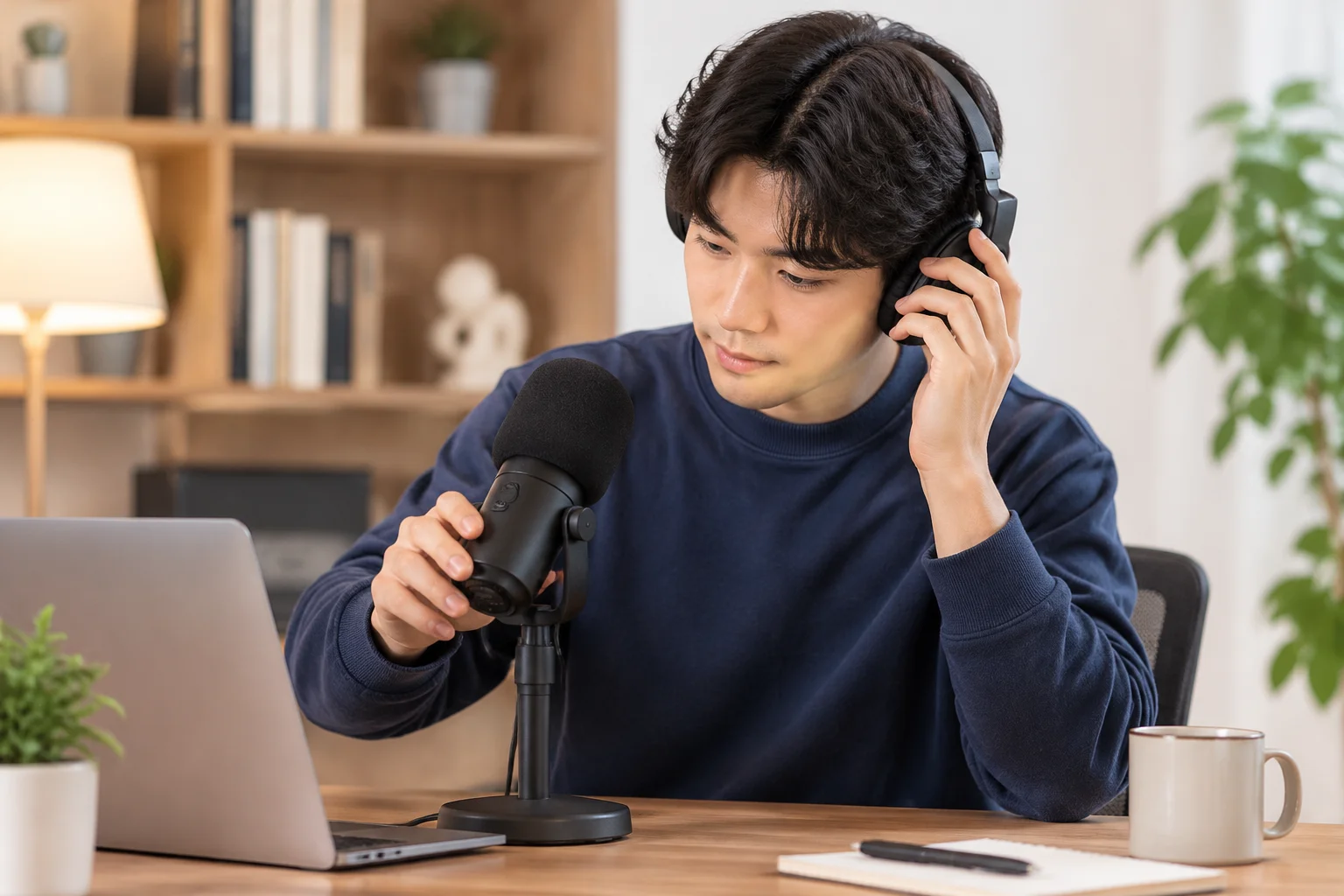
Check Sound Before Recording
A short pre-recording checklist for checking microphone selection and listening levels.
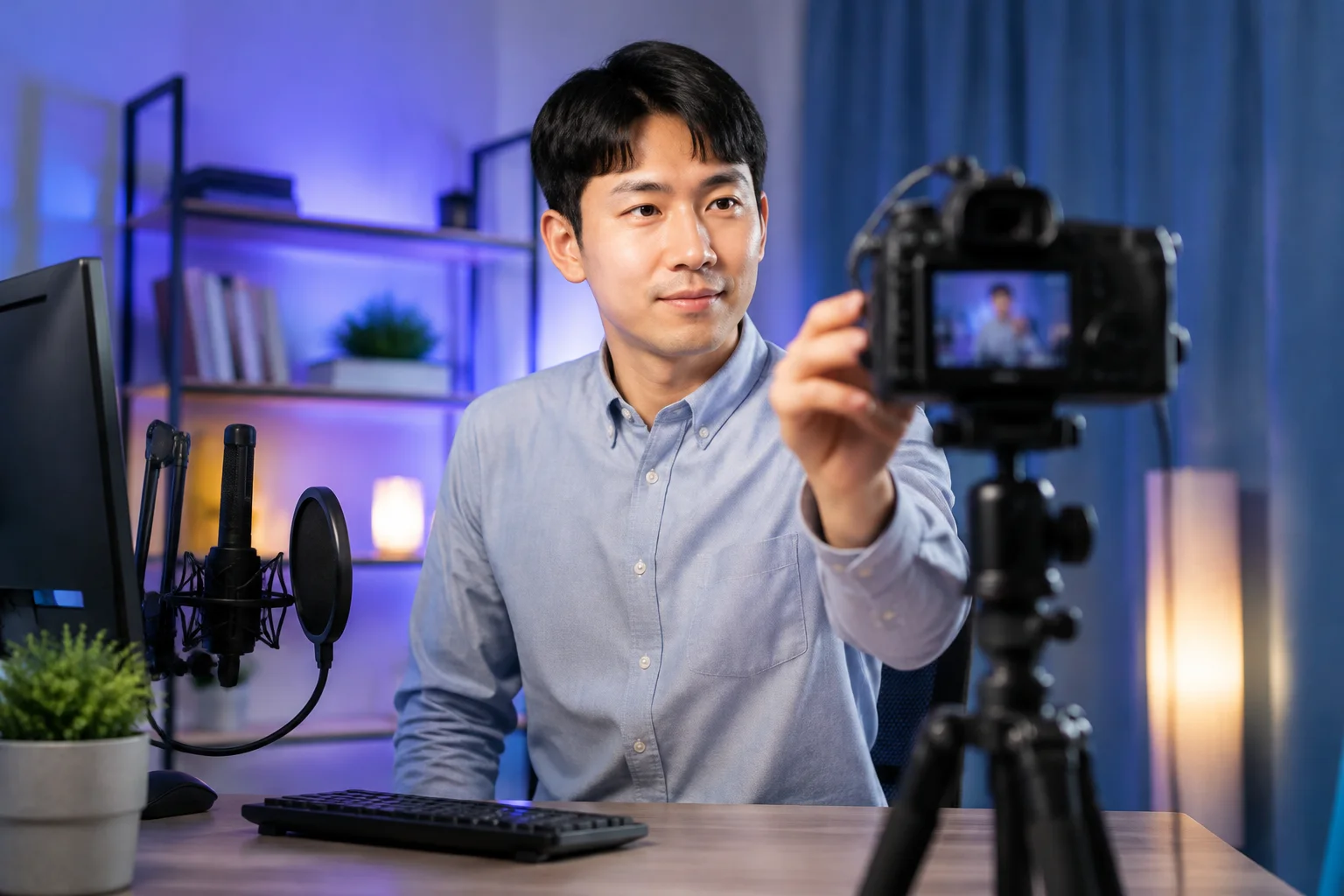
Prepare for a Live Stream
A preparation checklist for camera framing, lighting, and sound before going live.
No matching guides found
Try modifying your search term or choose another category filter.
Need help with configuration?
Encountering specific hardware hurdles or configuration questions? Visit our specialized support center for detailed installation guidelines, hardware compatibility tables, sound-video synchronization troubleshooting, and answers to typical questions.