Configuration Guides

Enhance Lighting for Video

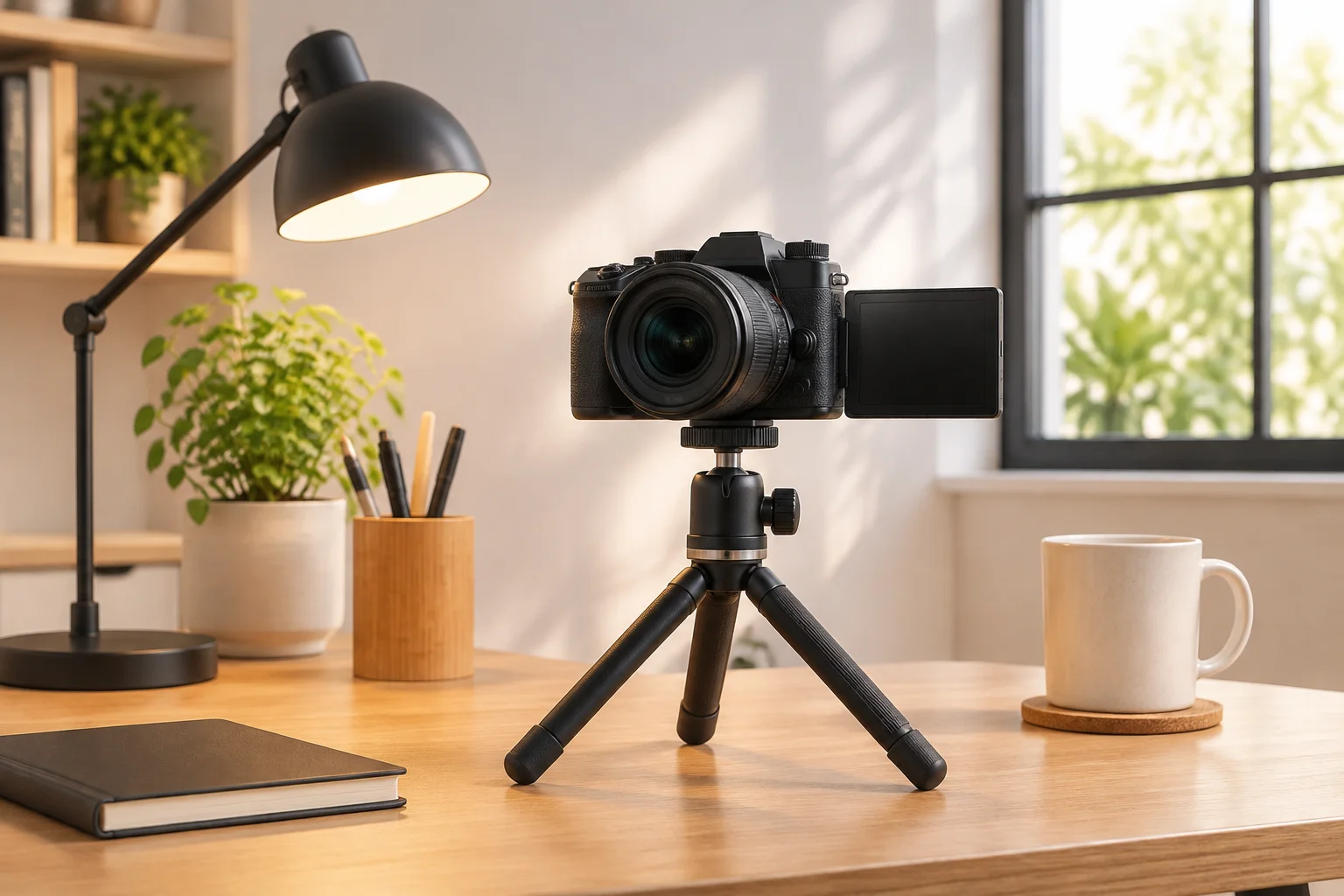
Hands-on lighting ideas for enhancing the appearance of a home or office video configuration.

Oliver Reed
2026-10-05
5 min read
Enhance Lighting for Video

Core takeaways

  • Direct illumination works best when elevated slightly above eye level and angled at approximately 45 degrees to maintain natural facial depth.
  • Diffusing raw light panels with soft covers or bouncing light against a neutral wall eliminates specular skin hot spots and glare on eyeglasses.
  • Balancing color temperature between artificial fixtures and window light stops unexpected color shifts and camera sensor compensation noise.
Essential Overview

Key Configuration Facts

45°
Optimal Key Light Angle

Positioning the primary light source 45 degrees to either side and slightly above the monitor softens unflattering shadows while sculpting cheekbone definition.

5600K
Daylight Temperature Matching

Calibrating artificial lights between 5000K and 5600K matches typical window daylight, preventing split-tone skin discoloration in daytime video feeds.

3:1
Balanced Contrast Ratio

Maintaining a gentle contrast ratio between the bright and fill sides of your face maintains three-dimensional clarity without introducing harsh visual drama.

Detailed Instructions

Core Principles of Video Illumination

Mobile phone cameras and desktop webcams rely heavily on sufficient ambient light to avoid automatic gain amplification, which introduces grainy digital noise into your feed. When the main light sits instantly behind your chair, the camera sensor attempts to expose for the brighter background, casting your face into deep shadow. Converting your desk toward a nearby window or placing a broad desk lamp in front of you immediately stabilizes exposure levels. Bigger, diffused illumination surfaces yield soft, flattering light across facial capabilities, significantly reducing harsh forehead shine and dark eye sockets.

Clean video relies on light diffusion and consistent color temperature far more than camera sensor size or expensive optics.

— Oliver Reed, Workspace Video Specialist

Hands-on Desk Placement and Glare Prevention

Mount desk lights slightly higher than the top border of your screen and point them downward at a shallow tilt. Eyeglass wearers often encounter distracting reflections when lights are placed right next to the lens axis; pushing light sources further out to the left and right eliminates lens glare while maintaining bright catchlights in the pupils. Adding a modest background lamp or subtle warm LED fixture behind your desk creates visual depth, cleanly separating you from the rear wall and giving desktop video streams a cohesive, intentional finish.

Tags:Desk LightingVideo QualityStudio Configuration
Discover Desktop Camera Switching

Equip your workstation with streamlined multi-angle video inputs.

Knowledge hub

Related Configuration Guides

View all guides