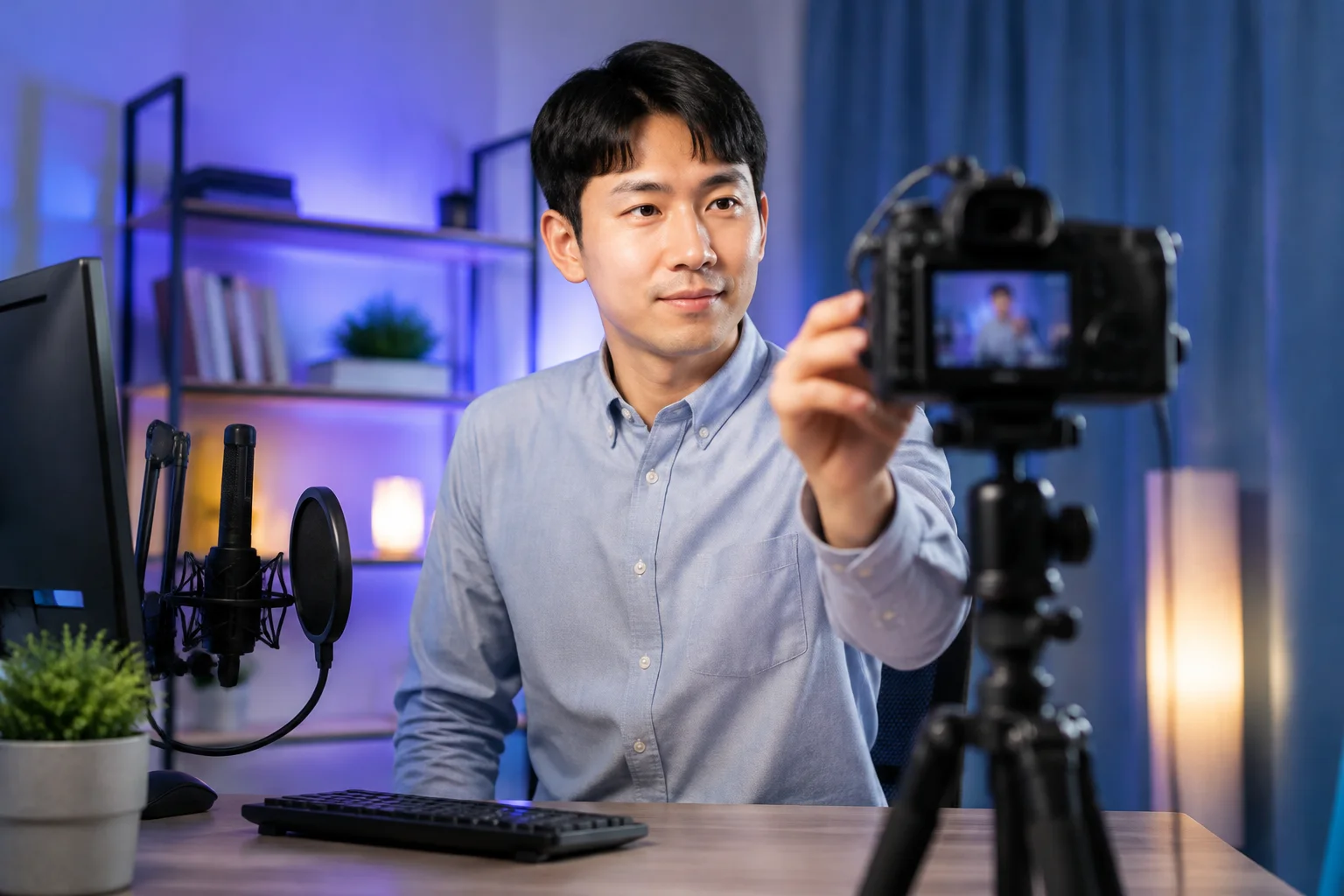
Setting up a live stream demands thorough hardware checks well before hitting the live button. Position your camera source instantly at eye level using a sturdy desktop mount or tripod. Check within Vidora that exposure options remain manually locked rather than floating on auto-exposure, which often flickers under dynamic monitor light. Frame yourself slightly off-center if presenting on-screen graphics or centered for direct conversational streams, keeping head space balanced and margins uncluttered.
Consistency during a live broadcast begins ten minutes before start time with a calm diagnostic checklist across camera inputs and sound meters.
— Daniel Price, Technical Streaming Director
Once visual composition is locked, convert full attention to your sound chain and system background tasks. Monitor your sound interface through closed-back headphones while speaking at full delivery volume. Remove background noise suppression artifacts by adjusting hardware gain first. Finally, close heavy cloud-sync utilities and background game launchers to dedicate PC processing power and network packets entirely to your encoder output stream.
Tags:Live StreamingVideo ConfigurationPre-Flight Checklist