Why Tablets Provide Exceptional Visual Performance
Contemporary tablets capability camera optics that rival specialized webcams while providing an expansive interactive surface. Linking a tablet to your computer unlocks a versatile video capture station: the screen functions as an on-set field monitor, keeping your framing, eye contact, and reference documents visible while the high-resolution front or rear lens captures sharp video.
Vidora blends instantly with your tablet's camera hardware over high-speed USB-C or local Wi-Fi. It converts the incoming stream into a standard virtual camera recognized immediately across conferencing and streaming applications, including OBS Studio, Zoom, Microsoft Teams, and Google Meet.
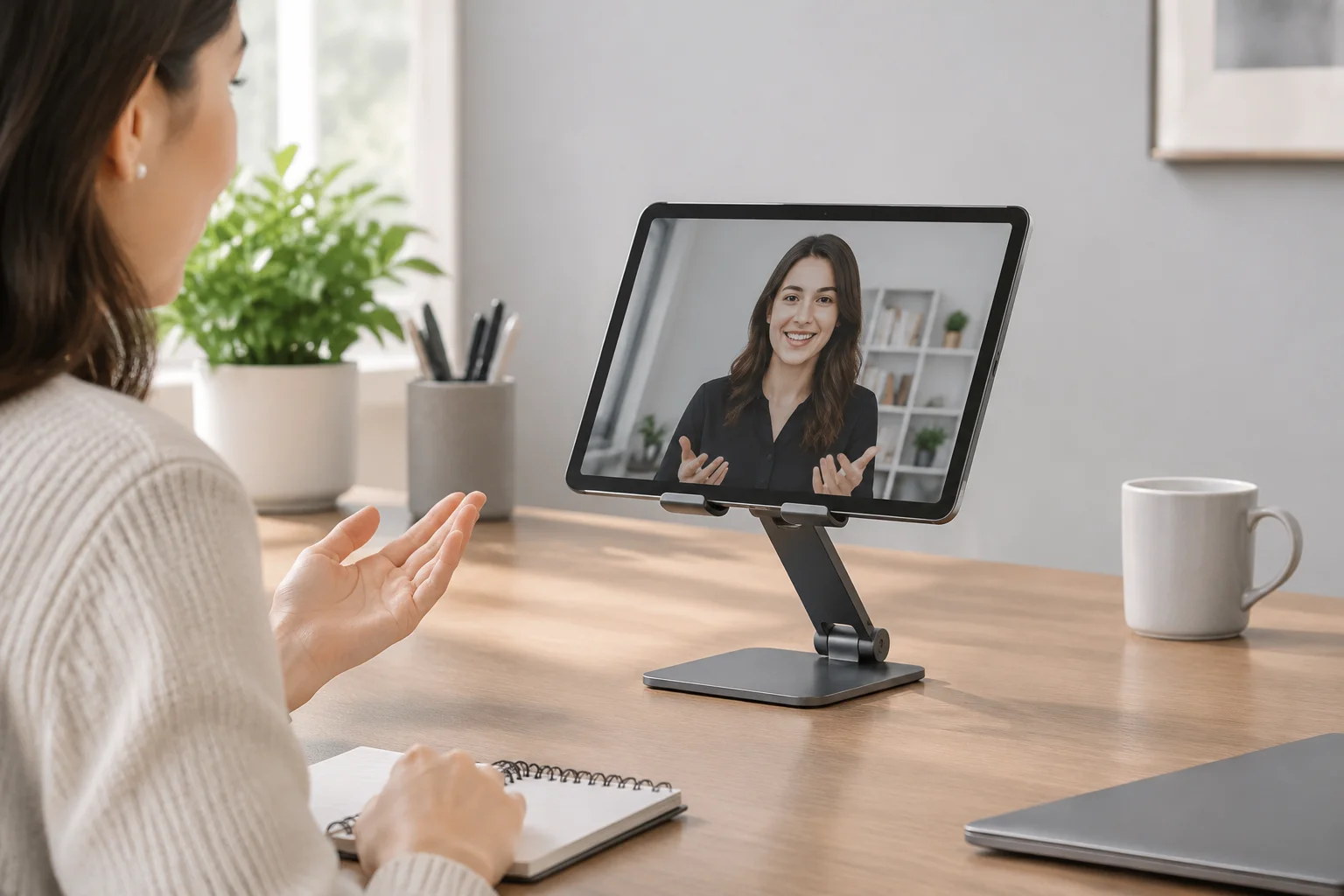
Specialized Tablet Camera Configurations
Tablets adapt naturally to varied desk configurations. A tablet can sit instantly beneath your primary monitor to maintain natural eye contact, mount to an overhead articulated arm for live showcases, or stand at a 45-degree angle to design an engaging secondary perspective.
Document & Overhead Showcase Angle
Attach your tablet to a flexible boom arm above your desk to capture technical drawing, product unboxings, or handwritten notes with full clarity.
- Automatic horizontal and vertical orientation pinning stops accidental feed rotation during movement.
- Independent manual focus controls lock focus onto tabletop documents without hunting.
- Direct digital zoom allows close inspection of fine details without degrading signal stability.
Direct Eye-Contact Presenter Framing
Position the tablet immediately below your workstation monitor to align your natural gaze instantly with call participants.
- Wide-angle lens capture keeps your shoulders and head centered without wide lens distortion.
- Split-screen capability allows reference notes and speaker scripts to remain visible behind the lens.
- Exposure and white balance lock stop sudden brightness shifts during slides transitions.
Integrated Multi-Mic Voice Capture
Route the tablet's multi-microphone array or linked external USB sound interfaces instantly into your desktop sound mix.
- Lossless 48kHz sound synchronization eliminates mouth-to-voice delay across long sessions.
- Beamforming noise rejection isolates spoken voice from mechanical keyboard clicks and desktop rumble.
- Independent master gain and monitoring level meters visible instantly on the tablet screen.
Technical Specifications & System Compatibility
Vidora communicates with tablet hardware through native protocol pipes, ensuring high frame rates with minimal load on your workstation CPU.
- Supported Stream ResolutionsUp to 4K UHD (3840×2160) @ 60fps & 1080p @ 60fps
- Supported Tablet PlatformsiPadOS 15.0+ and Android 10.0+ with Camera2 API
- Link InterfacesUSB 3.2 Gen 1 / Type-C (recommended) or 5GHz Wi-Fi
- Host Output CompatibilityDirectShow Virtual Camera, OBS Studio Plugin, V4L2 (Linux)
Discover All Vidora Video Capabilities
Uncover how to combine mobile phones, tablets, and specialized USB cameras into one versatile production configuration.