Unifying Multiple Visual Angles on One Desktop Canvas
Setting up multiple camera feeds usually demands expensive capture cards, bulky switchers, and endless sync troubleshooting. Vidora streamlines this process by converting independent mobile gadgets, tablet cameras, and standard USB lenses into manageable scene layers on your primary PC display. Each input registers as an isolated source, allowing you to position, crop, and layer feeds with pixel-level precision.
Creators frequently need a talking-head shot paired alongside an overhead work table or secondary participant perspective. Through our hardware-accelerated compositor, the application aligns frame timing across diverse link protocols, ensuring sound and movement stay tightly synced throughout long recordings or high-stakes live conferences.
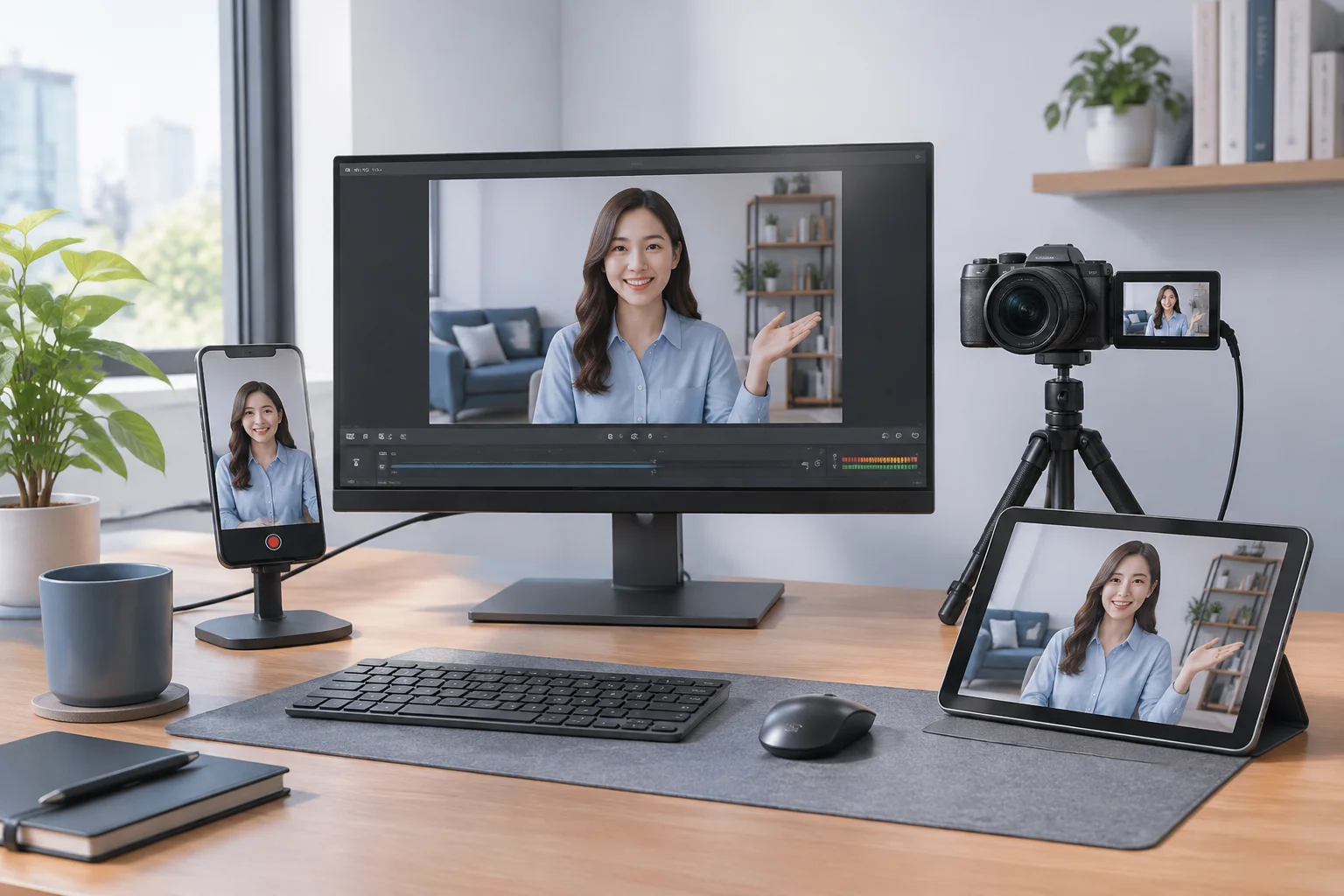
Seamless Switching, Layering, and Scene Arrangements
Generating interactive sessions requires agility. When shifting from an instructor explanation to detailed product hands-on work, clumsy transitions disrupt viewer attention. Vidora lets you fine-tune preset arrangements like side-by-side comparisons, floating circular overlays, or hotkeyed full-frame focus cuts. The system processes background transparencies and color grading per-gadget, ensuring mismatched sensor colors blend into a cohesive broadcast aesthetic.
Balanced Multi-Pane Layouts
Display two to four cameras simultaneously with configurable borders, corner radiuses, and automated spacing adjustments.
- Dynamic aspect ratio conforming without stretching or edge distortion.
- Custom background matting for side-by-side split screen presentations.
- Specialized crop boundaries to remove messy room edges from secondary lenses.
Floating Inset Overlays
Anchor a secondary viewpoint over your primary screen or face cam with adjustable opacity and fluid docking.
- Fluid corner snapping to stop covering critical presentation slides.
- Custom shape masking including rounded rectangles and circle crops.
- Keyboard hotkeys to toggle overlay visibility instantly during live sessions.
Failover & Signal Protection
Maintain an uninterrupted broadcast even if a wireless handset camera battery drains or Wi-Fi drops momentarily.
- Immediate cut to fallback scene without freezing your stream output.
- Visual indicator warning before battery or signal strength reaches critical thresholds.
- Automatic reconnection seamlessly reinserts the feed as soon as the signal restores.
Performance and Engine Benchmarks
Vidora maintains rigid timing constraints across heterogenous hardware inputs. Here are the core runtime metrics measured during multi-camera broadcast sessions:
- Canvas Compositing EngineDirect3D 11 / Metal Hybrid Pipeline
- Concurrent Video Feeds4 Simultaneous 1080p60 Streams
- Master Clock SyncSub-frame Sound-Video Lock (< 18ms)
- System CompatibilityWindows 10/11 & macOS 12+
Uncover Every Way to Turn Your Video Configuration
Learn how to convert mobile handsets into webcams, link USB sensors, and fine-tune broadcast-grade studio scenes.